
Home Assistant Core 2026.10.2, released on 16 October 2026, fixes MQTT device triggers that could fire twice after an integration reload and addresses Broadlink loading failures caused by conflicting Python packages. This is a maintenance release, not a new ESPHome firmware version or a hardware launch.
Quick summary
- MQTT: discovered device triggers and tag scanners should no longer duplicate events after reload.
- Broadlink: the built-in integration moves to a separately named library, avoiding clashes with some custom integrations.
- Also included: Modbus reload corrections, ProxmoxVE permission-validation fixes and diagnostic-data redaction changes.
Why one MQTT message could trigger two actions
The MQTT fix targets a specific Home Assistant lifecycle problem. According to the merged change, a discovered device trigger could run its automation twice after the MQTT configuration entry reloaded; a discovered tag scanner could similarly report each scan twice. The broker delivered only one message.
An explicit reload was not the only route: enabling a disabled MQTT entity could cause the entry to reload around 30 seconds later. A full restart cleared the symptom, which could make the fault difficult to reproduce consistently.
The change removes the affected subscriptions earlier during unloading, before they are copied for restoration and before the old client disconnects. Discovery then attaches the trigger again without leaving a duplicate subscription behind. Regression tests cover manual reloads and the entity-enabling path.
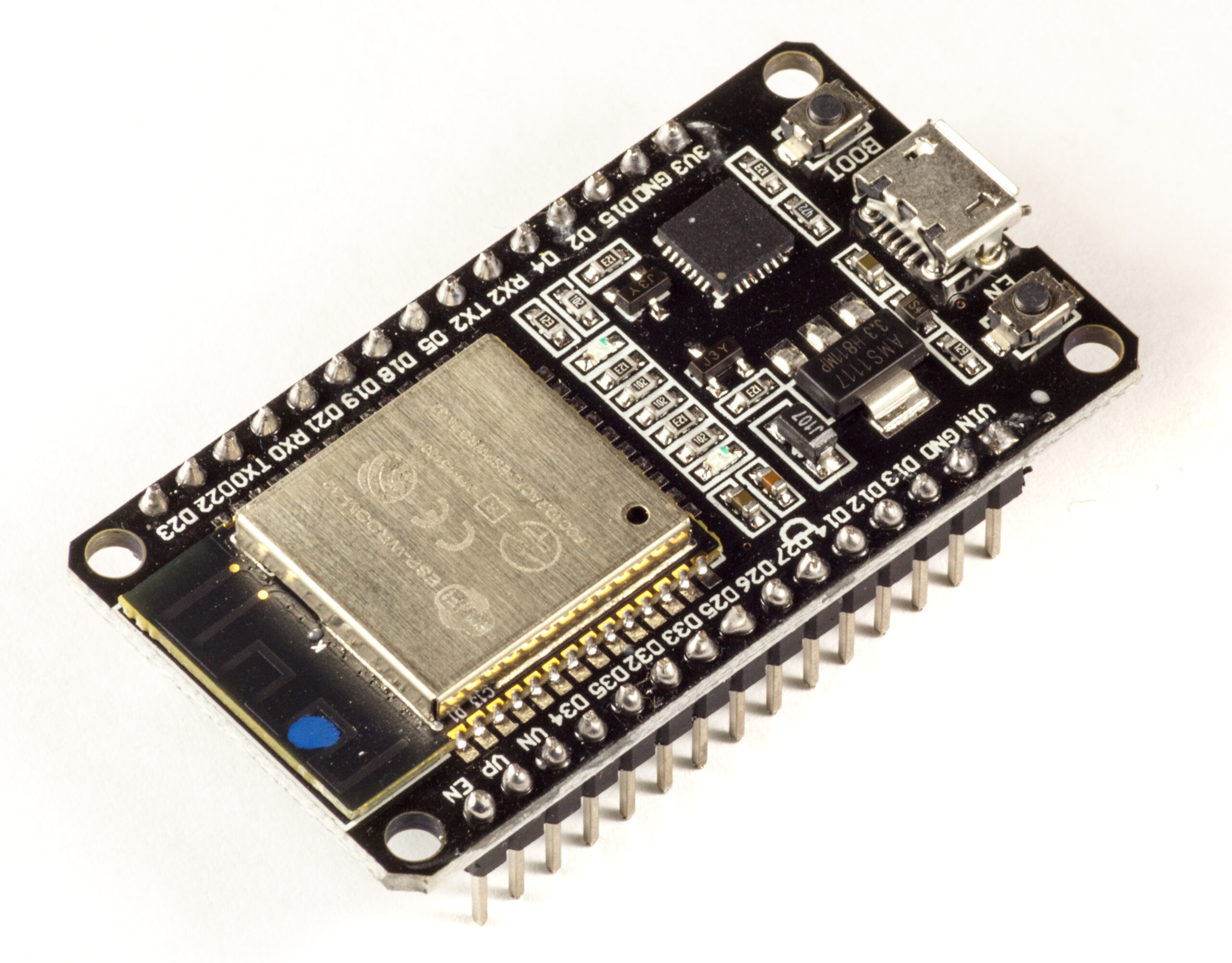
For an ESP32AliExpress price button or tag-reader project, our practical reading is that this is worth checking before rewriting device firmware to suppress duplicate events. It is not a general fix for every repeated MQTT message. ESPHome devices using the native API take a different connection path; our native API versus MQTT guide explains that distinction.
Broadlink changes its library, not its entities
The Broadlink integration now uses broadlink-async, imported as broadlink_async. Previously, its library could share the broadlink package directory with an older dependency required by a custom integration.
The maintainer identifies that overlap as the cause of installations failing to load with an EndpointClosedError import error. Moving to a separate package directory allows the dependencies to coexist. The change explicitly retains the same built-in integration, devices and entities: it is not an instruction to delete working remotes or recreate their configuration.
Other fixes worth checking
| Area | What changes |
|---|---|
| Modbus | Reloading without a modbus: YAML section becomes a no-op instead of logging an unnecessary error. |
| ProxmoxVE | Permission validation is corrected; this is an integration fix, not a Proxmox hypervisor update. |
| User accounts | Refresh tokens are revoked when a user is removed. |
| Diagnostics | Additional redaction covers SFR Box credentials and host details, Tesla schedule coordinates and identifying NRGkick data. |
The Modbus change also handles adding or removing that YAML section after startup. If Modbus failed during initial setup, however, the implementation asks for a restart rather than pretending that reloading alone completed a healthy setup. Readers monitoring inverters can keep this separate from the hardware and protocol choices covered in our solar-monitoring comparison.
A focused post-update check
Our suggested check is simple: take a current backup, install the appropriate Core update for your installation, then test the affected paths you actually use. For MQTT, send one button or tag event and inspect the automation trace. For Broadlink, check that the integration loads and one known command works. For Modbus, check the log after the reload that previously produced the error.
Those checks help distinguish a successful software update from an unrelated radio, network or device problem. We have not independently tested this release. It follows the separate WLED and Matter corrections covered in our Home Assistant 2026.10.1 report.
Sources
- Home Assistant Core 2026.10.2 release notes — 16 October 2026
- MQTT duplicate-trigger and tag-scanner fix — implementation and regression tests
- Broadlink library migration and package-conflict explanation
- Modbus reload behaviour when no YAML hubs are configured
- Official MQTT integration documentation
- Official Broadlink integration documentation
.jpg)