Melih Koray released Phosphor 2.0.0 on 22 November 2026. The open-source firmware turns Waveshare’s ESP32-S3-Touch-LCD-3.49 into a desk clock, internet radio and timer with four retro looks. The project now documents testing on Waveshare’s V2 board. If you already run Phosphor 1.x, the move to 2.x needs a USB cable because the flash layout changed.
Quick summary. Look for a V2 sticker on the case or Rev1.1 on the PCB. Use a current build for that board, since brightness adjustment on V2 did not work in 2.0.0. For an upgrade from 1.x, leave Erase device unticked to keep your settings.
Check which Waveshare board you have
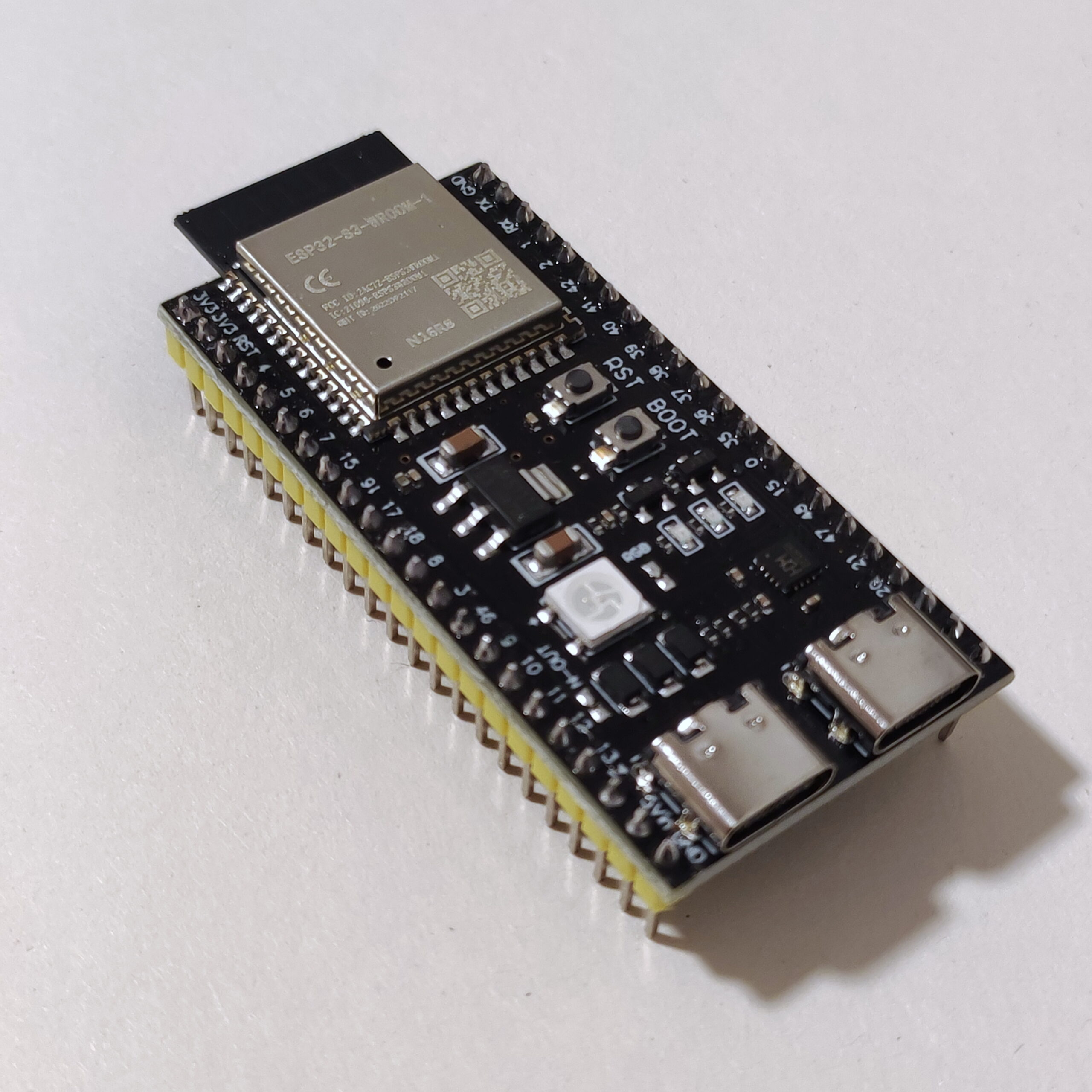
Waveshare says it switched shipments to V2 on 8 June 2026. The 3.49-inch display still has a resolution of 640 × 172, but the board revision changes the signals behind it. The LCD backlight and expander interrupt swap pins, as do the LCD tearing-effect and reset signals. Waveshare even supplies separate examples for each revision, because using the wrong backlight pin can leave the screen dark.
The Phosphor README says the current firmware detects the board revision at startup and that the maintainer tested it on V2. It says V1 is expected to work with the current build, based on the pin assignments and reset sequence in Waveshare’s V1 example, and asks owners to report results. If you’re starting from scratch on a recently bought board, the sticker or silkscreen is a better guide than the listing photo. The firmware is written for this particular Waveshare board. A generic ESP32-S3 dev kit with a similarly sized display can have a different controller and pin map.
When to erase, and when to leave it alone
For a first Phosphor install, the project recommends a clean erase using its browser installer in Chrome or Edge and a USB-C data cablePriceAliExpress price. Flashing replaces the program currently on the board, including the Waveshare factory demo, and the installer does not back it up. If you might want the demo back, Waveshare links the separate V1 and V2 examples in its resources.
Coming from Phosphor 1.x, do the opposite with that checkbox. Connect over USB and leave Erase device unticked. The 2.0 release notes say the new layout makes room for larger application slots and a separate pack for images and fonts. That is why the migration cannot be done over Wi-Fi. The documented USB upgrade preserves Wi-Fi credentials, city and station settings. The release builds have Wi-Fi firmware updates disabled by default.
What fits on a 640 × 172 screen
The shape makes sense for a clock or a radio dial. You have room for a large clock and status information on the same line, or station buttons alongside a meter. Phosphor redraws its screens for four styles, including a vacuum-fluorescent display look and C64- and Amiga-inspired layouts. The radio accepts MP3 and AAC streams, and the board’s motion sensor doubles as an input in its blackjack game. The clock alarm can start the radio, so pick a stream you can rely on if you plan to use it as a wake-up alarm.
The firmware is free under GPL-3.0. If you’re choosing hardware for your own interface, see our ESP32-S3 board comparison for flash and PSRAM options, and our ESP32-S3 and ESP32-P4 display comparison for projects that need a larger panel.
Sources
Phosphor 2.0.0 release notes · Phosphor repository and current board support · Waveshare revision notes and factory resources