
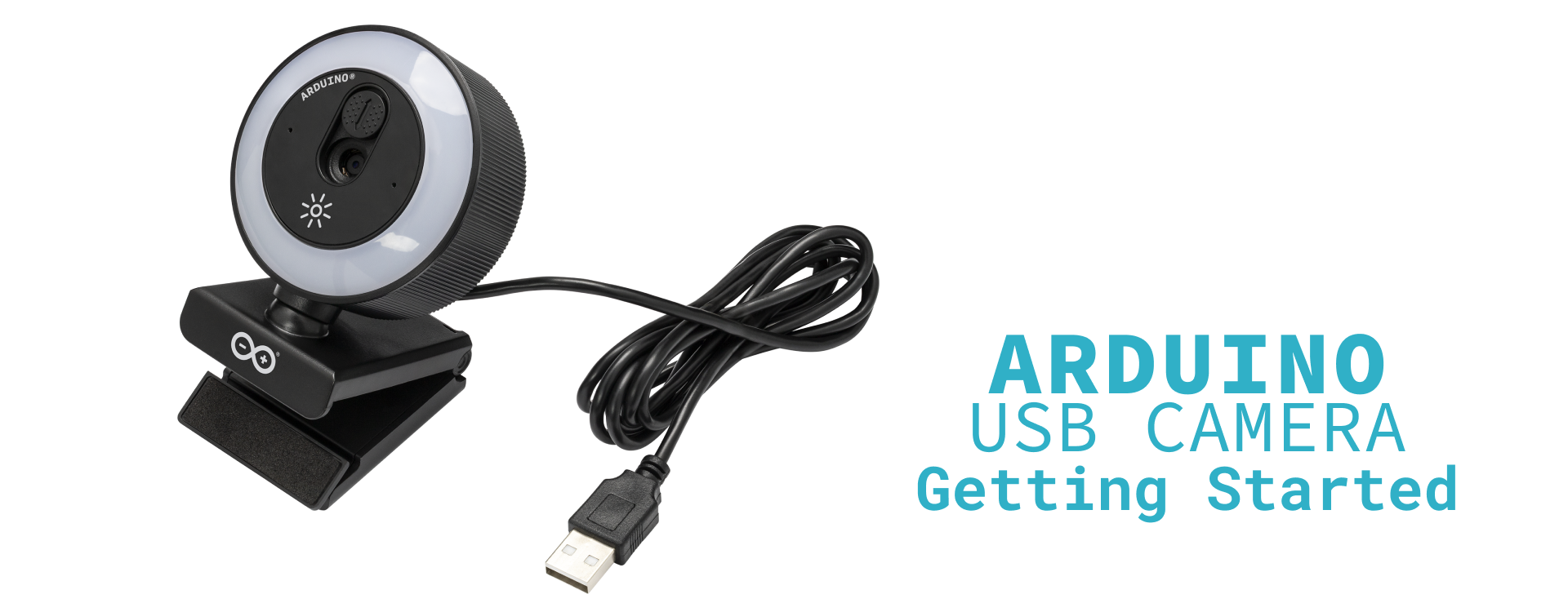
Arduino announced its first official standalone USB Camera on 15 October 2026, combining 4K video, autofocus, a microphone and an adjustable LED ring light in one USB peripheral. It is aimed at UNO QAliExpress price and VENTUNO Q computer-vision projects, but its standard USB interface also supports conventional webcam use on a computer.
The European Arduino store lists it at €35 including VAT on 19 October. The important distinction is that this is a camera accessory, not an AI accelerator: the connected host runs the vision application.
Quick summary
- Capture: up to 3840 × 2160 at 30 fps using MJPEG; uncompressed YUY2 has lower limits.
- Hardware: Sony IMX376 sensor, autofocus from 20 cm, ring lighting, privacy shutter and USB audio.
- Connection: integrated USB-A cable; UNO QAliExpress price needs a suitable hub, while VENTUNO Q has onboard USB-A.

A webcam for the Linux side of Arduino
The camera presents itself as a USB Video Class device, so supported Windows, macOS and Linux hosts recognise it without a separate camera driver. Its microphone appears independently as a USB Audio Class device. This is different from wiring a small camera sensor directly to a microcontroller’s camera interface.
On UNO QAliExpress price and VENTUNO Q, the video application runs on the Linux side. Arduino describes App Lab use cases including object detection, gesture recognition and local vision-language applications. Our UNO Q App Lab and Bridge/RPC guide explains the separation between Linux software and real-time MCU code.
That separation matters when planning a project. A 4K video specification describes the camera’s output, not the speed at which a chosen AI model can process it. We have not tested the camera, inference latency or image quality.
The useful specifications—and the format catch
| Feature | Official specification |
|---|---|
| Sensor | Sony IMX376; effective output up to 3840 × 2160 |
| Lens | F/2.0; autofocus from 20 cm to infinity; 80° diagonal field of view |
| USB | USB 2.0 High Speed, with a USB-A connector |
| Lighting | Touch-dimmable LED ring with warm and cool white settings |
| Mounting | Monitor clip, desk stand and tripod thread |
Arduino’s datasheet specifies 4K at 30 fps in compressed MJPEG. Do not apply that headline to every capture mode. In uncompressed YUY2, it lists 1920 × 1080 at 5 fps, 1280 × 720 at 10 fps and 640 × 480 at 30 fps.
For developers, that means selecting a supported combination of format, resolution and frame rate rather than requesting “4K” and assuming the application will negotiate the right settings. MJPEG reduces USB bandwidth needs but introduces a host-side decoding step; the best input mode depends on the application.
Check the hub and its power budget
The camera’s captive cable ends in USB-A. Arduino’s store specifies a USB-C hub for UNO QAliExpress price, while VENTUNO Q can use an onboard USB-A port. Readers choosing between those hosts can use our VENTUNO Q versus UNO Q comparison; the accessory does not make their processing capabilities interchangeable.
Power also deserves attention. The datasheet lists typical current of 250 mA with the ring light off and 410 mA with it on, with corresponding maxima of 290 mA and 450 mA. It recommends a powered hub when using the light or additional USB peripherals. The camera takes its power through USB, not through a separate external supply connection.
Price, availability and what you are buying
As checked on 19 October 2026, Arduino’s European store shows €35, VAT included, with an add-to-cart option. That is not a confirmed delivered price for every country: shipping, destination VAT treatment and regional availability should be checked at checkout. No delivery date was verified.
The appeal is a supported camera, microphone and lighting package for a maker’s desk, with standard webcam operation outside Arduino projects. It is not evidence that every App Lab model runs at the camera’s maximum resolution or frame rate. Budget for the host, any required hub and the software work alongside the camera itself.