Quick summary: Home Assistant 2026.11.0 became the project’s latest stable release on 4 November 2026. For makers, the standout additions are local USB and internal-drive storage on Home Assistant OS, a new LoRaWAN framework, Zigbee Green Power support in ZHA, smarter automation target exclusions and better diagnostic tools.
This is the stable follow-up to the 2026.11 beta. The headline Marketplace and Matter-camera changes have made the final build, while a separate entity-naming and ESPHome child-device migration remains an important upgrade consideration. Here, the focus is on useful features that were not covered in those earlier reports.
Local disks can hold backups, media and shared files
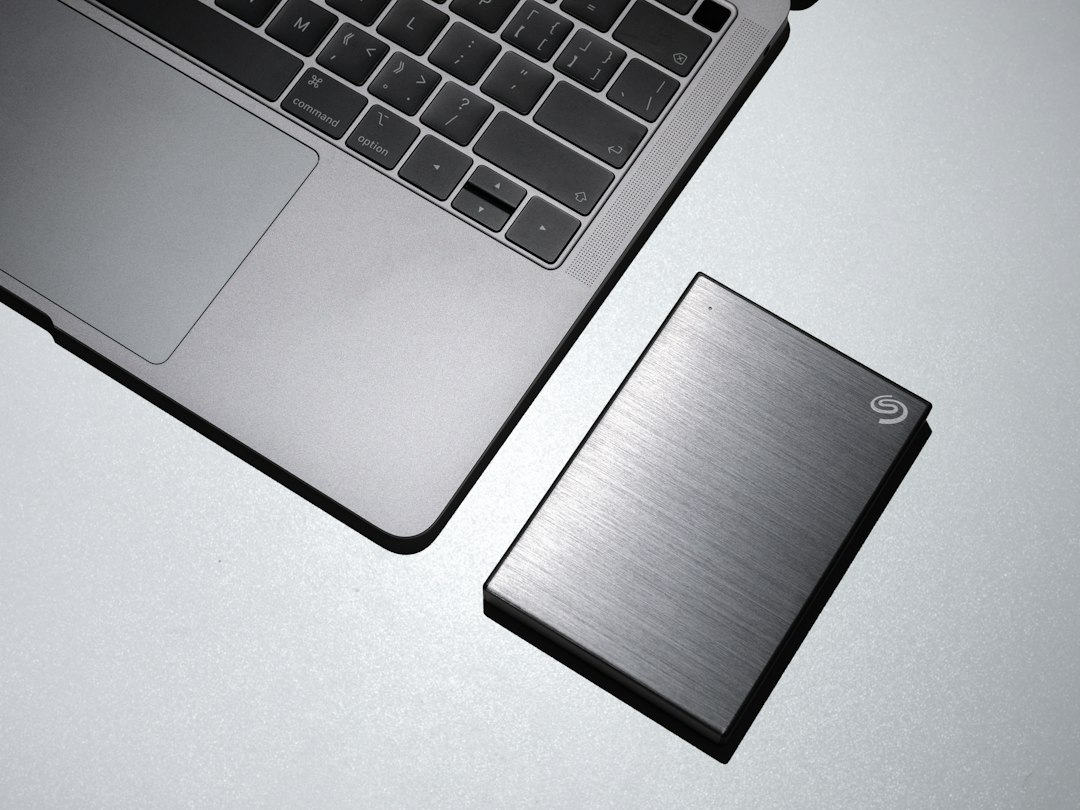
Home Assistant OS users can now add a pre-formatted internal or USB drive from Settings > System > Storage > Add storage by choosing Local disk. The drive can be assigned to backups, media or shared files, putting large archives somewhere other than the system’s main data disk.
Home Assistant identifies the disk by its file-system ID rather than a changeable device name such as /dev/sda1. If the drive disappears, Home Assistant raises a repair issue and returns an error to anything using that mount instead of silently writing to internal storage. Reconnecting can take up to 15 minutes unless the repair is reloaded manually.
The operating system does not format drives. Its documentation lists ext2, ext3, ext4, FAT/FAT32, exFAT, NTFS, Btrfs and, with Home Assistant OS 18.3 or later, F2FS. A read-only disk can serve media or shared files, but backup storage must be writable. This feature is different from moving the whole Home Assistant data partition to another disk.
LoRaWAN support still needs a gateway and network server
Home Assistant 2026.11 adds a common LoRaWAN layer for long-range, low-power sensors. Connect a ChirpStack or The Things Network server and Home Assistant can offer the appropriate device integration when it recognises supported hardware, with SenseCAP given as an example.
A new page under Settings > Connectivity lists connections and devices, shows gateways and their links on a map, and exposes details such as signal strength, last report and battery state. Unsupported devices can still appear with an explanation of what is missing.
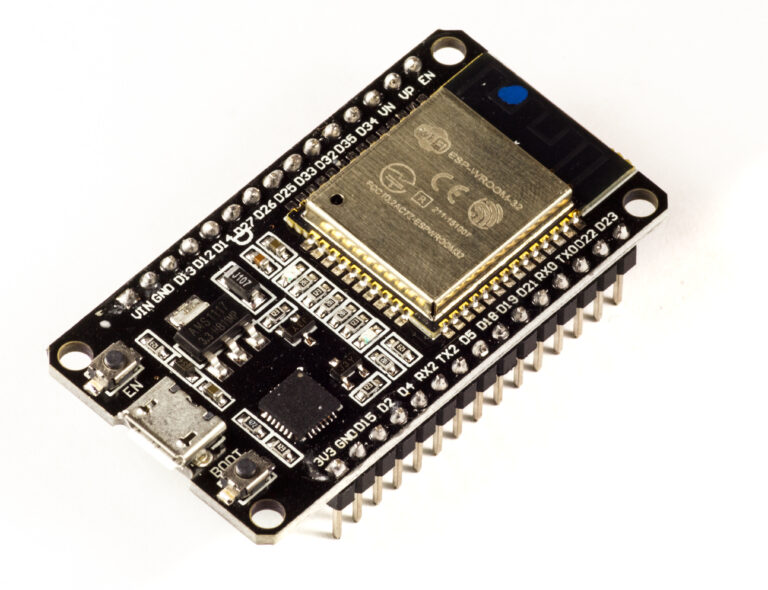
The boundary matters: this does not add a LoRa radio to an ESP32PriceAliExpress price board or to the Home Assistant host. A compatible LoRaWAN gateway, a network server and a device integration are still required. The new work makes those existing pieces visible and manageable in Home Assistant rather than replacing them.
ZHA gains Zigbee Green Power
The built-in Zigbee Home Automation integration now supports Zigbee Green Power devices. These include battery-free wall switches powered by the button press itself and energy-harvesting sensors, with Friends of Hue switches cited as the familiar example.
Green Power devices behave differently from conventional Zigbee routers and end devices. Home Assistant therefore shows their Source ID, hides cluster and reconfiguration controls that do not apply, and displays them without a parent link on the ZHA network map. This is specifically a ZHA change; the release does not make a claim about Zigbee2MQTT support.
Smarter automations and easier fault-finding
Automation and script targets can now exclude an entity, device, area, floor or label. That keeps a broad target dynamic—for example, every light on a floor—while permanently leaving out one device, including when more matching devices are added later.
Debug logging also becomes more practical. Each integration can show its own live, searchable log stream, while the main logs page can filter by one or more integrations. The Energy dashboard can offer to derive energy totals from a power sensor, and similar helpers can turn gas or water flow rates into totals.
Availability and upgrade notes
Home Assistant 2026.11.0 is available as the current stable release. The project reports 38 new integrations and 5,827 merged pull requests from 557 contributors. Existing HACS installations migrate into the built-in Marketplace when Home Assistant starts after the update; the separate HACS installer stops at 2026.11.
Before upgrading, create and download a backup, then review the release’s backward-incompatible changes. Home Assistant OS users should also check the current OS release coverage if their storage or Bluetooth setup depends on recent platform fixes.
Sources
Home Assistant 2026.11 release notes