Quick summary: Armbian’s official download catalogue moved to the 26.11.2 release line on 21 November, with newly built images dated 19 November appearing for Raspberry Pi, x86 and Arm UEFI systems. The release train brings Debian 13 “Trixie”, Linux 6.18 LTS and a rewritten installer, but it is not a blanket update for every board: Armbian’s own status pages show many board and kernel families still on earlier builds.
That distinction matters. Armbian 26.11.2 is now a real downloadable image line, rather than merely the testing branch announced on 10 November, but the project has not yet posted a conventional 26.11 release summary. Its formal release-notes page still ends at 26.8.3, while the separate package-repository dashboard remains on 26.11.1. Fresh installations and in-place package upgrades are therefore not at exactly the same point in the rollout.
What is actually available
The image-status report generated on 21 November lists 842 downloadable assets across 174 boards. Those files span 11 Armbian versions, however, and 134 boards have a newest image older than the current 26.11.2 line. “Armbian 26.11.2 is available” should not be read as “every supported board has received it”.
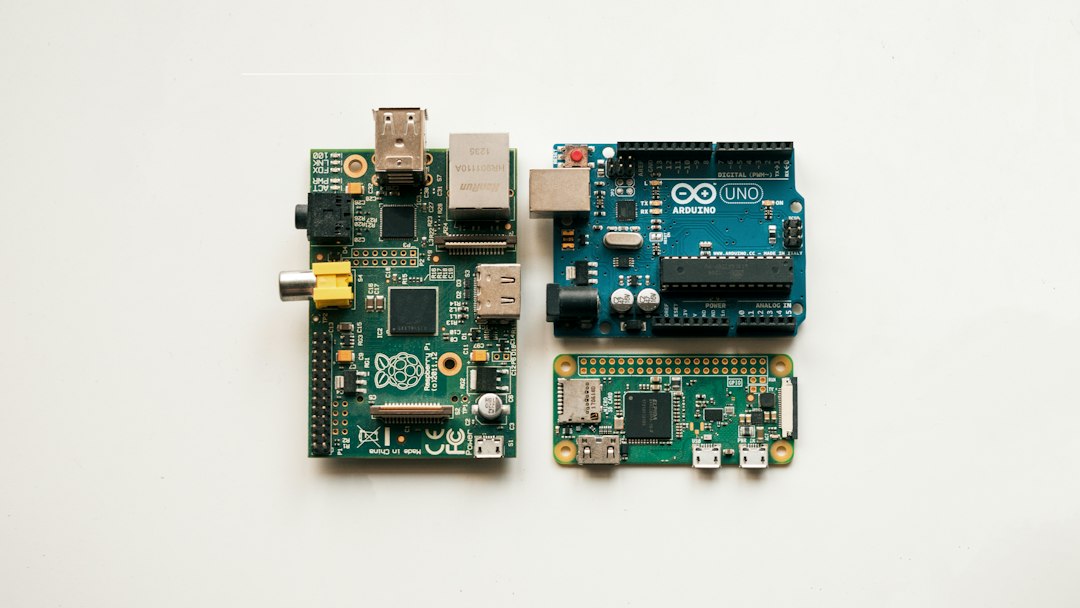
There are clear examples of current images. Armbian’s Raspberry Pi page offers a stable Debian 13 minimal image labelled 26.11.2, built on 19 November with the current Linux 6.18.64 kernel. The x86 and Arm UEFI pages also show 26.11.2 desktop images dated 19 November, including edge builds using Linux 7.3.5. The exact kernel, desktop and support tier remain image-specific.
The important 26.11 changes
Armbian’s 26.11 testing announcement made Debian 13 Trixie the build base and default Docker image, removed Ubuntu Noble from release targets and moved all image formats to signed output. Linux 6.18 LTS is the main kernel target, while edge images can be newer. Most platform families also move towards U-Boot 2026.10, subject to board-level validation.
The practical headline is a rewritten armbian-install. It now runs as a tested module inside armbian-config, with improved eMMC and NVMe installation, bootloader-only flashing, dual-boot diagnostics and support for keeping the boot stage in SPI or MTD while placing the root filesystem on NVMe, SATA or USB storage. That is particularly useful for compact home servers where the most reliable boot device and the fastest data device are not the same thing.
The same announcement lists newly added board definitions including the LubanCat 4, NanoPi NEO3 Plus, Milk-V DuoS, Walnut Pi Box and Tanix TX6S, with Banana Pi R2 support returning. These are project support additions, not new hardware launches, and they do not imply that every peripheral or third-party image is supported equally.
Why existing systems may not upgrade yet
Armbian’s package dashboard, generated on 21 November, still calls 26.11.1 the current repository line and shows 63 of 91 kernel families behind it. That is the strongest reason not to treat the new download number as a universal upgrade signal. A newly written SD cardPriceAliExpress price can contain a newer release than the packages currently offered to an existing installation, and two boards sold under the same family name may use different kernel branches.
Before changing a working server, check the board’s own Armbian download page, support badge, build date and kernel branch. Verify the checksum or signature, back up application data and test from spare media before overwriting a known-good system. Users running OpenMediaVault or Home Assistant appliances should also confirm the exact board image rather than inferring support from Armbian’s general appliance catalogue. For broader context, see our guides to Unraid, TrueNAS and OpenMediaVault, small home-server hardware and the recent Raspberry Pi Desktop move to Debian 13.