
This guide explains:
- How deep sleep works on ESP32
- Typical current consumption
- Hardware design for low power
- ESPHome deep-sleep configuration
- Arduino/ESP-IDF MQTT example with deep sleep
- How to estimate battery life
Most ESP32 projects are powered from USB adapters and run 24/7.
For battery-powered sensors, that approach kills the battery in a few hours.
To build long-lasting wireless sensors (temperature, humidity, leak, motion, etc.) running on 18650 cells or LiPo batteries, the ESP32 must spend most of its time in deep sleep, waking only briefly to take a measurement and send data.
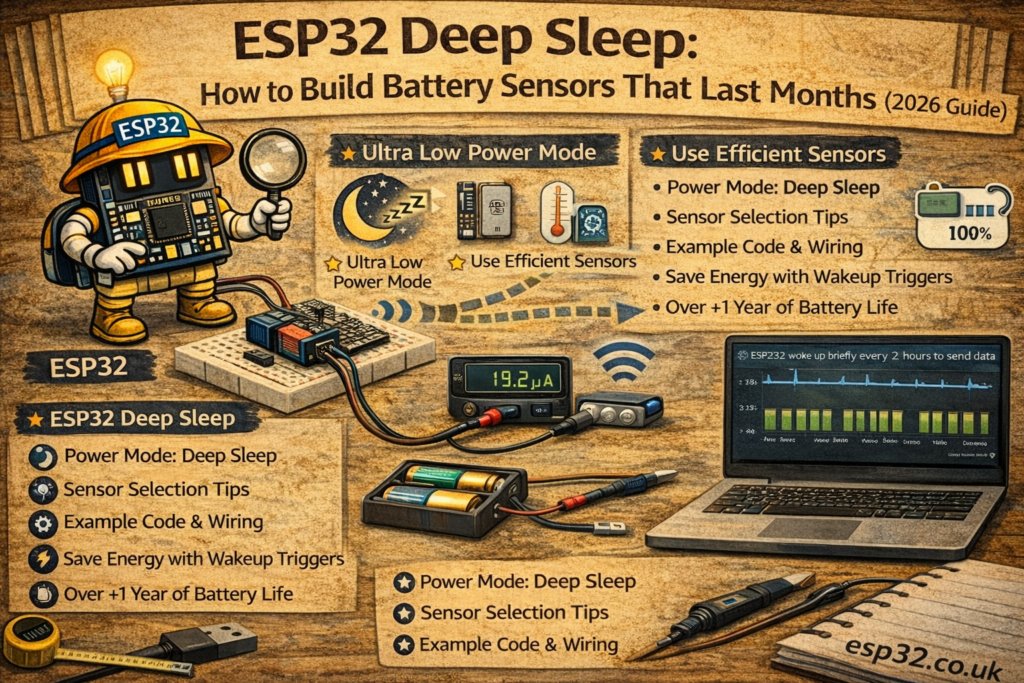
1. Why Deep Sleep is Mandatory for Battery ESP32 Nodes
A typical ESP32 dev board:
- Active Wi-Fi TX: 80–180 mA
- Idle (Wi-Fi on): 20–60 mA
- Deep sleep (chip only): ~10–150 µA (board-dependent)
A 18650 cell (~2500 mAh) will be:
- Drained in ~1–2 days if Wi-Fi stays on all the time
- Able to last months or more if deep sleep is used, waking only for a few seconds per reading
Battery-powered ESP32 designs must:
- Use deep sleep between measurements
- Minimize peripherals and always-on LEDs
- Avoid wasteful regulators with high quiescent current
2. Hardware Considerations for Low Power
2.1 Board Choice
Best options:
Avoid:
- Boards with always-on power LEDs (or desolder them)
- Boards with linear regulators with high quiescent current (some AMS1117-based boards)
Look for:
- DC-DC or LDO regulators with low Iq (e.g. MCP1700, HT7333, AP2112 etc.)
- No extra USB-to-serial chip permanently powered (if possible)
2.2 Battery Options
- 18650 Li-ion (3.0–4.2 V, ~2000–3000 mAh)
- LiPo 1S pack (3.3–4.2 V)
- 3x AA NiMH (3.6 V nominal)
Many sensors run happily from 3.3 V. A simple setup:
- Battery → low Iq LDO → 3.3 V → ESP32 + sensors
2.3 Sensor Choice
Low-power and I²C-based sensors are ideal:
For long battery life:
- Avoid sensors with heater elements always on (some VOC sensors, e.g. SGP30/CCS811)
- Avoid devices that keep Wi-Fi or Bluetooth permanently active
3. ESP32 Deep Sleep Basics
Deep sleep turns off most of the chip and Wi-Fi. Only RTC memory and wake sources remain active.
Common wake options:
- Timer wake – wake up every X seconds/minutes
- GPIO wake – wake when a button, reed switch, or PIR is triggered
- Touch sensor wake – wake when a touch pad is touched
After wake-up, the ESP32:
- Boots as usual
- Reads sensors
- Sends data (MQTT, ESPHome, HTTP, etc.)
- Calls deep sleep again
The firmware must be written with this “measure → send → sleep” pattern.
METHOD 1 – ESPHome Battery Sensor (Timed Deep Sleep)
ESPHome makes deep sleep configuration very simple.
4. Example: Battery-Powered Temperature & Humidity Sensor (BME280)
This device:
- Wakes every 5 minutes
- Connects to Wi-Fi
- Sends readings to Home Assistant
- Goes back to sleep
esphome:
  name: esp32-battery-sensor
  platform: ESP32
  board: esp32dev

wifi:
  ssid: "YOUR_WIFI"
  password: "YOUR_PASSWORD"
  fast_connect: true

logger:
  level: WARN

api:
ota:

i2c:
  sda: 21
  scl: 22
  scan: true

sensor:
  - platform: bme280
    address: 0x76
    temperature:
      name: "Battery Node Temperature"
    humidity:
      name: "Battery Node Humidity"
    pressure:
      name: "Battery Node Pressure"
    update_interval: 5s

  # optional: ADC for battery voltage
  - platform: adc
    pin: 35
    name: "Battery Voltage"
    attenuation: 11db
    update_interval: 5s
    filters:
      - multiply: 2.0   # for voltage divider (e.g. 2:1)

deep_sleep:
  run_duration: 20s       # stay awake max 20 seconds
  sleep_duration: 5min    # sleep for 5 minutes
Notes:
run_durationensures the node sleeps even if Wi-Fi has issuessleep_durationcontrols battery life vs update frequency- Logs are set to
WARNto reduce unnecessary Wi-Fi traffic
5. ESPHome: Event-Based Deep Sleep (e.g. Door Sensor)
For battery-operated door sensors (reed switch):
binary_sensor:
  - platform: gpio
    name: "Door Sensor"
    pin:
      number: 32
      mode:
        input: true
        pullup: true
    device_class: door
    on_press:
      - logger.log: "Door opened!"
      - deep_sleep.enter: deep_sleep_1

deep_sleep:
  id: deep_sleep_1
  wakeup_pin:
    number: 32
    mode: INPUT_PULLUP
    inverted: true
This design:
- Wakes when the door changes state
- Reports to Home Assistant
- Immediately returns to deep sleep
Perfect for magnetic door/window sensors on coin cells.
METHOD 2 – Arduino + MQTT with Deep Sleep
For MQTT-centric setups, the deep sleep logic must be implemented manually.
6. Example: Periodic MQTT Temperature Node with Deep Sleep
Outline:
- Wake up
- Connect to Wi-Fi
- Read sensor
- Publish via MQTT
- Sleep for X minutes
#include <WiFi.h>
#include <PubSubClient.h>
#include <Wire.h>
#include <Adafruit_BME280.h>

#define WIFI_SSID   "YOUR_WIFI"
#define WIFI_PASS   "YOUR_PASSWORD"
#define MQTT_SERVER "192.168.0.10"

WiFiClient espClient;
PubSubClient client(espClient);
Adafruit_BME280 bme;

const uint64_t SLEEP_TIME_US = 5ULL * 60ULL * 1000000ULL; // 5 minutes

void setup() {
  Serial.begin(115200);
  delay(100);

  Wire.begin(21, 22);
  if (!bme.begin(0x76)) {
    Serial.println("BME280 not found");
  }

  WiFi.begin(WIFI_SSID, WIFI_PASS);
  uint8_t retries = 0;
  while (WiFi.status() != WL_CONNECTED && retries < 30) {
    delay(500);
    retries++;
  }

  if (WiFi.status() == WL_CONNECTED) {
    client.setServer(MQTT_SERVER, 1883);
    if (client.connect("ESP32_Battery_Node")) {
      float temp = bme.readTemperature();
      float hum  = bme.readHumidity();
      float press = bme.readPressure() / 100.0F;

      String json = "{";
      json += "\"temperature\":" + String(temp, 2) + ",";
      json += "\"humidity\":" + String(hum, 1) + ",";
      json += "\"pressure\":" + String(press, 1);
      json += "}";

      client.publish("home/battery_node/env", json.c_str());
      client.disconnect();
    }
  }

  WiFi.disconnect(true);
  esp_sleep_enable_timer_wakeup(SLEEP_TIME_US);
  esp_deep_sleep_start();
}

void loop() {
  // Will never be reached; ESP32 sleeps after setup()
}
The ESP32 executes setup(), publishes once, and then goes into deep sleep.
On wake-up, it runs setup() again.
7. Estimating Battery Life
A rough estimation:
- Active current: ~100 mA (Wi-Fi + sensor reading)
- Active duration per wake: e.g. 3 seconds
- Sleep current: ~100 µA
For a 5-minute interval:
- Active fraction: 3 s / 300 s = 1%
- Average current ≈ 0.01 × 100 mA + 0.99 × 0.1 mA
≈ 1 mA + 0.099 mA
≈ 1.1 mA
With a 2000 mAh battery:
- 2000 mAh / 1.1 mA ≈ 1818 hours ≈ 75 days (ideal, no losses)
In real life (Wi-Fi retries, sensor self-heating, regulator losses):
- Expect around 1–2 months for 5-minute updates
- Increasing sleep interval to 15 minutes can extend life to several months
Key factors:
- Quality of Wi-Fi connection (slow connect = more current)
- Sensor choice (CO₂/VOC sensors consume more)
- Regulator quiescent current
8. Tricks to Extend Battery Life Further
- Use static/manual IP to speed Wi-Fi connection
- Avoid frequent OTA updates on battery nodes
- Reduce
run_durationand connection timeout - Increase
sleep_durationto 10–30 minutes for slow-changing values - Use ESP-NOW instead of Wi-Fi for ultra-low-power meshes (gateway then forwards to MQTT/HA)
- Disable serial logging or set to
WARN/ERROR
9. Typical Battery Sensor Use Cases
- Indoor temperature and humidity nodes
- Outdoor weather station satellites
- Freezer/fridge monitors
- Soil moisture sensors
- Door/window magnetic sensors
- Mailbox / gate notifications
- Remote boiler room status nodes
Any sensor that does not need second-by-second updates is a candidate for deep sleep.
Keywords
esp32 battery sensor
esp32 deep sleep home assistant
low power esp32 design
mqtt deep sleep esp32
esphome battery powered esp32
esp32 18650 sensor
battery temperature sensor esp32
esp32 low power iot node