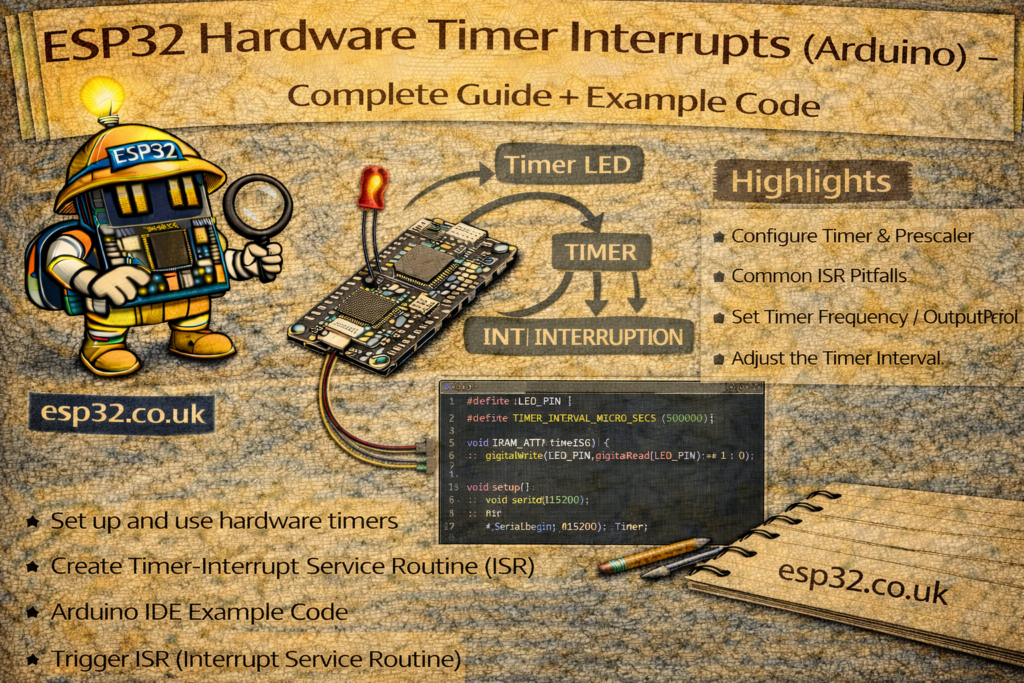
ESP32 microcontrollers include multiple hardware timers that can trigger interrupts with microsecond precision. This makes them perfect for generating pulses, reading sensors, simulating RPM or speed signals, or scheduling tasks without blocking the loop().
In this article, we walk through a simple example that:
- Creates a hardware timer
- Attaches an ISR (Interrupt Service Routine)
- Toggles a pin using the interrupt
- Starts and stops the timer from the main loop
- Prints internal counters to demonstrate real behaviour
This is an ideal “self-test” project to understand how ESP32 timers and interrupts work.
Why Use Hardware Timers on ESP32?
Unlike delay() or software timers, ESP32 hardware timers run independently of the main code. This allows you to:
- Generate precise square waves
- Simulate speed/RPM sensor pulses
- Execute functions at exact time intervals
- Avoid blocking your program
- Maintain microsecond-level timing even under heavy CPU load
Example Sketch: Testing ESP32 Timer Interrupts
Below is the full sketch, followed by a detailed explanation.
volatile byte state = LOW;
int pin = 13;

hw_timer_t *timer = NULL;
int i = 0;

void IRAM_ATTR needle() {   // ISR: toggles pin state
  state = !state;
  digitalWrite(pin, state);
}

void setup() {
  Serial.begin(115200);
  pinMode(pin, OUTPUT);

  // Create hardware timer (1 MHz clock)
  timer = timerBegin(0, 80, true);   // Timer 0, prescaler=80 → 1µs per tick

  // Attach interrupt handler
  timerAttachInterrupt(timer, &needle, true);

  // Set alarm to fire every 50,000µs (50ms)
  timerAlarmWrite(timer, 50000, true);

  // Start timer
  timerAlarmEnable(timer);
}

void loop() {
  Serial.println(i);
  i++;

  // Stop timer after 10,000 iterations
  if (i == 10000) {
    timerStop(timer);
  }

  // Restart timer at 20,000 iterations
  if (i == 20000) {
    timerStart(timer);
    i = 0;
  }
}
How the Code Works (Step-By-Step)
1. The Interrupt Handler (ISR)
void IRAM_ATTR needle() {
  state = !state;
  digitalWrite(speed_pin, state);
}
- This function runs automatically whenever the timer triggers.
IRAM_ATTRensures the code runs from internal RAM → faster and safer for interrupts.- It simply toggles a GPIO pin to generate a square wave.
2. Creating the Hardware Timer
timer = timerBegin(0, 80, true);
Parameters:
| Parameter | Meaning |
|---|---|
0 | Timer number (ESP32 has 0–3) |
80 | Prescaler → divides 80 MHz clock → 80 gives 1 MHz |
true | Count up (vs count down) |
So: 1 tick = 1 microsecond
3. Attaching Interrupt
timerAttachInterrupt(timer, &needle, true);
needleis our ISRtrue= edge triggered,false= level triggered
4. Setting Alarm Frequency
timerAlarmWrite(timer, 50000, true);
- Alarm triggers every 50,000 microseconds (50 ms)
true= auto-reload
This means the ISR runs 20 times per second (20 Hz).
5. Start / Stop Timer in Loop
if (i == 10000) timerStop(timer);
if (i == 20000) {
  timerStart(timer);
  i = 0;
}
This demonstrates dynamic control:
- Timer runs → ISR fires → pin toggles
- Timer stops → ISR stops
- Timer restarts later
Useful for:
- RPM self-tests
- Temporary disabling of simulated signals
- Debugging timing behaviour
- Power saving
What You Learn From This Test
By running this sketch you learn:
✔ How fast the interrupt fires
✔ How often your main loop runs
✔ That the ISR continues even if the loop is slow
✔ That timers can be paused and resumed
✔ That GPIO toggling inside an interrupt works reliably on the ESP32
This is the foundation for:
- Speed sensor emulation
- Engine RPM simulation
- Stepper motor test pulses
- Watchdogs
- Scheduling periodic tasks
- Precision timing
Common Mistakes (Avoid These)
1. Using delay() inside ISR
Never allowed. The CPU will hang.
2. Printing inside ISR
Serial in interrupts causes crashes.
3. Forgetting IRAM_ATTR
High chance of Guru Meditation errors.
4. Too many interrupts (too fast)
Stay above 20–30 µs ISR interval unless you really know what you’re doing.
Conclusion
ESP32 hardware timers are extremely powerful and allow microsecond-accurate tasks without blocking your main loop. The example above gives you a reliable way to:
- Test your timers
- Understand how interrupts behave
- Validate self-test signals for RPM / speed
- Learn how to start/stop timers dynamically
This is one of the best exercises for beginners to understand real-time behaviour on the ESP32.