Passive Infrared (PIR) motion sensors are one of the simplest and most effective ways to detect motion in a room. Combined with an ESP32, they provide extremely fast, local, cloud-free motion detection that integrates perfectly with Home Assistant.
This guide covers two methods:
- ESPHome – automatic discovery
- MQTT – manual configuration for advanced setups
Both wiring and software options are included.
1. Hardware Required
- ESP32 DevKit
- HC-SR501 or AM312 PIR motion sensor
- Jumper wires
- USB cable
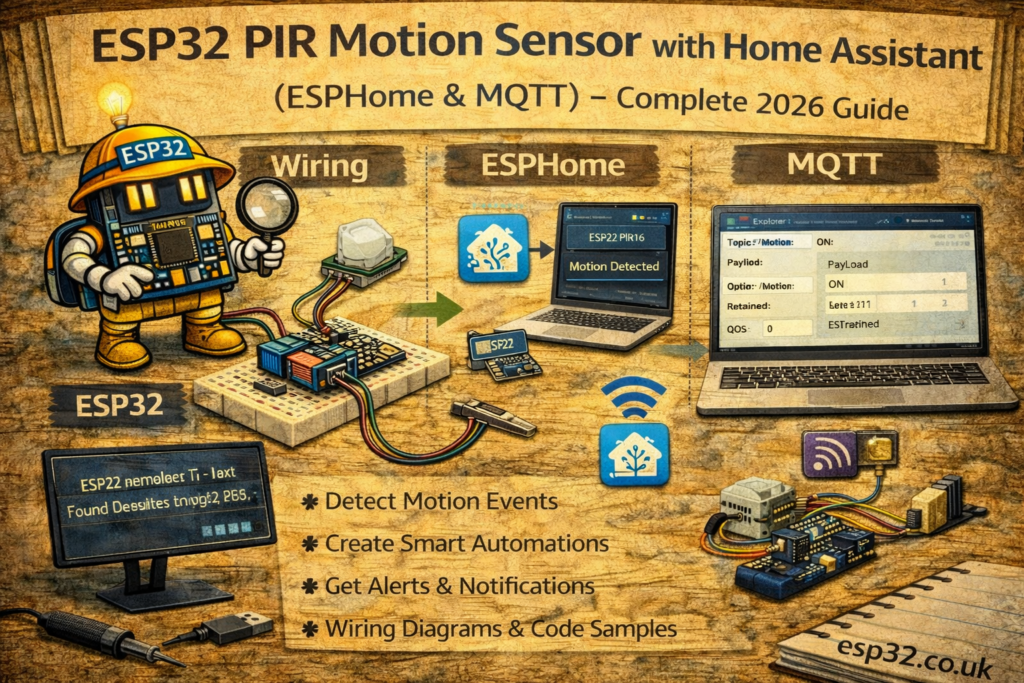
2. PIR Sensor Wiring
Most PIR sensors operate at 3.3V–5V and include three pins:
ESP32 → PIR
3.3V → VCC
GND  → GND
GPIO34 → OUT
GPIO34 is used because it is an input-only pin suitable for sensors.
METHOD 1 — ESPHome Integration
ESPHome automatically detects PIR state changes and exposes a binary_sensor entity in Home Assistant.
3. ESPHome PIR YAML
esphome:
  name: esp32-pir
  platform: ESP32
  board: esp32dev

wifi:
  ssid: "YOUR_WIFI"
  password: "YOUR_PASSWORD"

logger:
api:
ota:

binary_sensor:
  - platform: gpio
    pin:
      number: 34
      mode:
        input: true
    name: "Living Room Motion"
    device_class: motion
    filters:
      - delayed_off: 2s
Notes
delayed_offprevents flickering when motion stopsdevice_class: motiongives the correct icon in Home Assistant
After uploading, the sensor appears automatically under:
Settings → Devices & Services → ESPHome
METHOD 2 — MQTT Integration (Manual YAML)
For setups using MQTT, the PIR sends a JSON message via ESP32 every time motion is detected.
4. Home Assistant configuration.yaml — Correct MQTT Syntax
mqtt:
  binary_sensor:
    - name: "Living Room PIR Motion"
      state_topic: "home/livingroom/pir"
      payload_on: "1"
      payload_off: "0"
      device_class: motion
5. ESP32 MQTT Code for PIR Sensor
Works with HC-SR501 and AM312 PIR modules.
#include <WiFi.h>
#include <PubSubClient.h>

#define PIR_PIN 34
#define WIFI_SSID "YOUR_WIFI"
#define WIFI_PASS "YOUR_PASSWORD"
#define MQTT_SERVER "192.168.0.10"

WiFiClient espClient;
PubSubClient client(espClient);

void setup() {
  Serial.begin(115200);

  pinMode(PIR_PIN, INPUT);

  WiFi.begin(WIFI_SSID, WIFI_PASS);
  while (WiFi.status() != WL_CONNECTED) delay(500);

  client.setServer(MQTT_SERVER, 1883);
}

void loop() {
  if (!client.connected()) {
    while (!client.connected()) client.connect("ESP32_PIR");
  }

  int motion = digitalRead(PIR_PIN);

  if (motion == HIGH)
    client.publish("home/livingroom/pir", "1");
  else
    client.publish("home/livingroom/pir", "0");

  client.loop();
  delay(200);
}
The PIR value updates every 200 ms for fast responsiveness.
6. Home Assistant Dashboard Example
type: entities
entities:
  - entity: binary_sensor.living_room_pir_motion
7. Example Automations
Turn lights on when motion is detected
automation:
  - alias: "Lights On With Motion"
    trigger:
      - platform: state
        entity_id: binary_sensor.living_room_pir_motion
        to: "on"
    action:
      - service: light.turn_on
        target:
          entity_id: light.living_room
Turn lights off after 2 minutes of no motion
  - alias: "Lights Off After No Motion"
    trigger:
      - platform: state
        entity_id: binary_sensor.living_room_pir_motion
        to: "off"
        for: "00:02:00"
    action:
      - service: light.turn_off
        target:
          entity_id: light.living_room
8. Troubleshooting
PIR always reads ON
- Reduce sensitivity using onboard potentiometer (HC-SR501 only)
- Check for heat sources (TVs, heaters)
- Avoid pointing at windows
PIR never reads ON
- Wrong pin (GPIO34 recommended)
- PIR requires ~30 seconds warm-up after power on
False triggers
- Electrical noise → add 0.1µF capacitor between VCC/GND
- Use AM312 miniature PIR for better stability
9. PIR Sensor Comparison
| Model | Voltage | Sensitivity | Notes |
|---|---|---|---|
| HC-SR501 | 5V | Adjustable | Most common, long range |
| AM312 | 3.3V | Fixed | Small, ideal for ESP32 |
| SR602 | 3–5V | Medium | Ultra-compact |
AM312 is the best match for ESP32 due to 3.3V operation and low noise.
esp32 pir motion sensor
home assistant pir
esphome motion sensor
mqtt pir esp32
esp32 home assistant tutorial
pir sensor wiring esp32
hc-sr501 esp32
am312 esp32