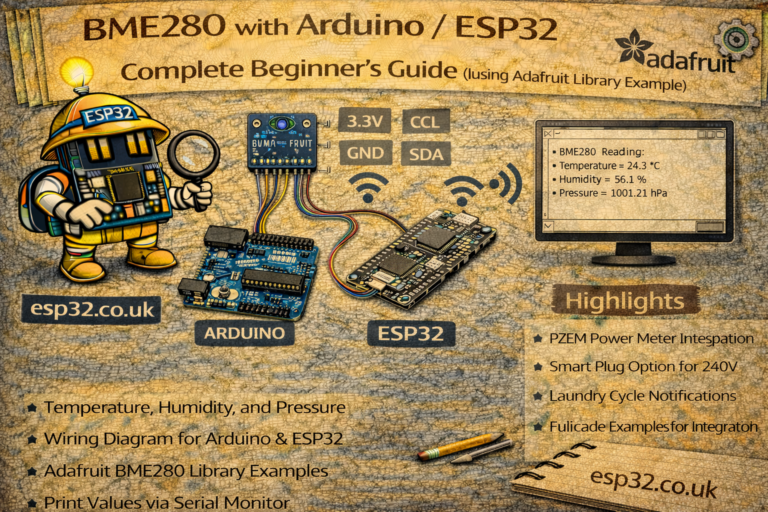
This guide shows the exact wiring, exact libraries, and tested code to read temperature, humidity, and pressure from a BME280 sensor using I2C.
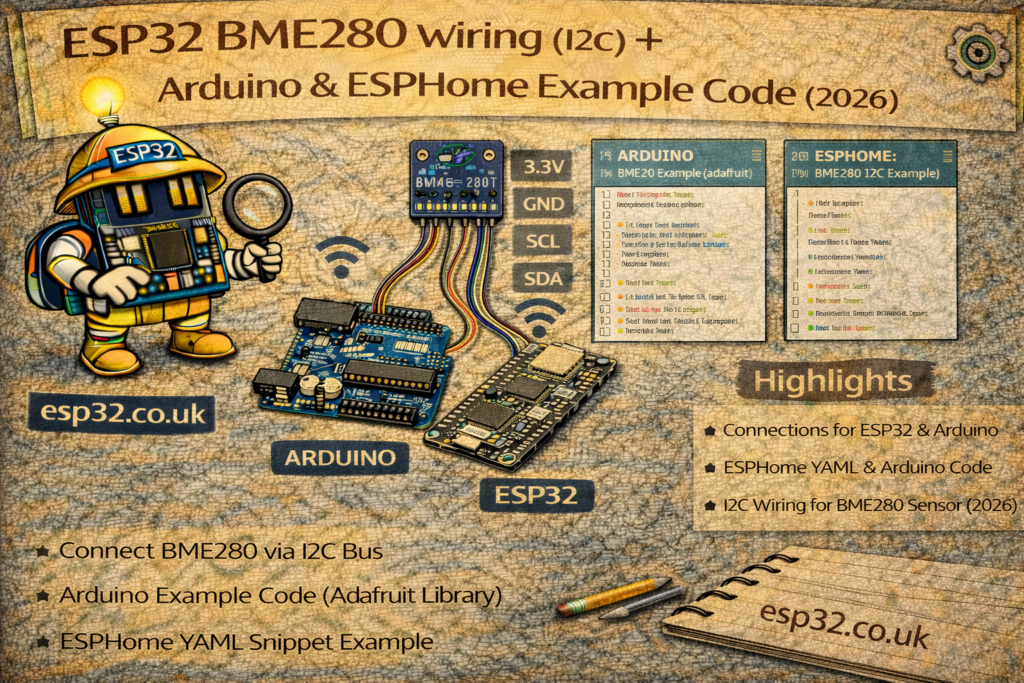
1. What You Need
Use one of these BME280 modules:
- Blue breakout (Bosch BME280, 3.3V–5V)
- Black breakout (CJMCU 3.3V version)
You also need:
- ESP32 DevKit (or NodeMCU-32S)
- 4 female–female jumper wires
- USB cable
2. Check Your BME280 Version
This matters.
If your module has VIN + GND + SCL + SDA → OK.
It already has a voltage regulator + pull-ups.
If your module has only 3.3V + GND + SCL + SDA → 3.3V ONLY
Do NOT connect 5V.
3. Wiring (I2C) — EXACT Pins
Use these exact connections:
| BME280 | ESP32 | Notes |
|---|---|---|
| VIN / VCC | 3.3V | Use 3.3V only. |
| GND | GND | Any GND pin is fine. |
| SCL | GPIO 22 | Default I2C SCL on ESP32. |
| SDA | GPIO 21 | Default I2C SDA on ESP32. |
Cable length: keep under 30 cm for stable readings.
No pull-ups needed — BME280 boards include them.
4. Install Required Libraries
You need two libraries.
- Open Arduino IDE
- Go to Tools → Manage Libraries
- Install:
Adafruit BME280
Publisher: Adafruit
Version: latest (works)
Adafruit Unified Sensor
Publisher: Adafruit
That’s all.
5. TESTED Code
This code auto-detects the sensor address (0x76 or 0x77) and prints all readings.
#include <Wire.h>
#include <Adafruit_Sensor.h>
#include <Adafruit_BME280.h>

Adafruit_BME280 bme; // I2C

void setup() {
  Serial.begin(115200);
  Wire.begin(21, 22);  // SDA, SCL

  bool ok = bme.begin(0x76);
  if (!ok) {
    ok = bme.begin(0x77);
    if (!ok) {
      Serial.println("BME280 not found. Check wiring.");
      while (1);
    }
  }

  Serial.println("BME280 detected.");
}

void loop() {
  float temperature = bme.readTemperature();
  float humidity = bme.readHumidity();
  float pressure = bme.readPressure() / 100.0; // hPa

  Serial.print("Temp: ");
  Serial.print(temperature);
  Serial.print(" °C | Hum: ");
  Serial.print(humidity);
  Serial.print(" % | Pressure: ");
  Serial.print(pressure);
  Serial.println(" hPa");

  delay(2000);
}
Upload this → Open Serial Monitor (115200).
You should see:
BME280 detected.
Temp: 23.41 °C | Hum: 51.2 % | Pressure: 1009.4 hPa
6. If You Get “BME280 not found”
Do these checks:
1. Wiring
- SDA must be on GPIO 21
- SCL must be on GPIO 22
- GND must be common
- Use 3.3V only
2. Sensor address
Try swapping:
bme.begin(0x77);
3. Module type
Some cheap modules labeled “BME280” are actually BMP280 (no humidity sensor).
Check printout: if humidity = NAN → it’s a BMP280.