Summary : Learn how to implement BLE 5.0 Extended Scanning on the ESP32-C3 and ESP32-S3. This guide breaks down the C++ Bluedroid code required to detect both legacy BLE 4.x and modern BLE 5 extended advertising packets, giving you complete control over your IoT data payloads.
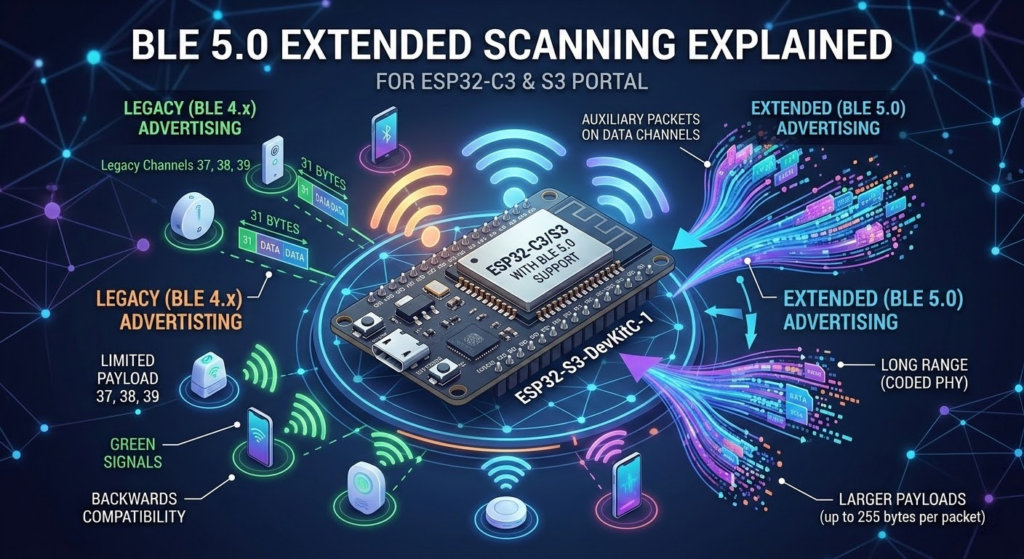
Mastering BLE 5.0 Extended Scanning on ESP32-C3 & S3
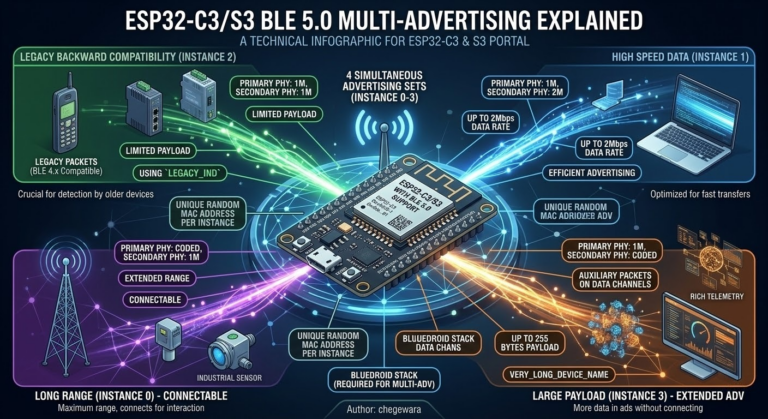
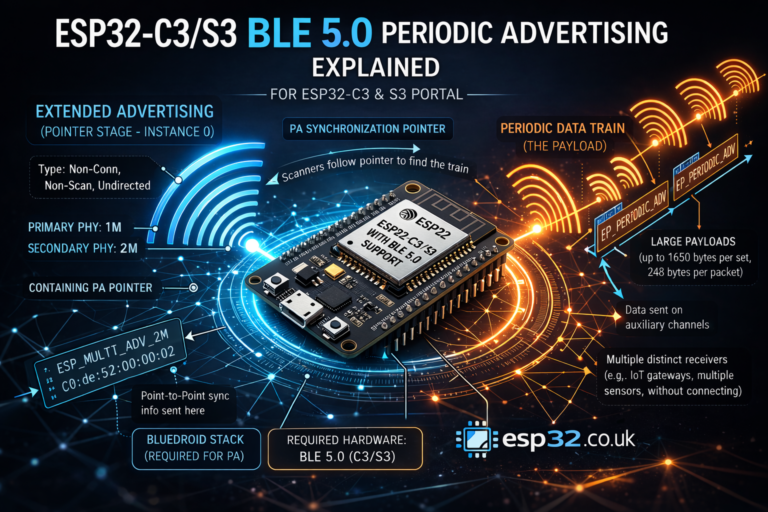
The jump from Bluetooth Low Energy (BLE) 4.2 to 5.0 introduced a game-changing feature: Extended Advertising. While legacy BLE 4.x advertising restricts payloads to a mere 31 bytes on three primary channels, BLE 5.0 offloads larger payloads onto secondary data channels, vastly increasing the amount of data you can broadcast without establishing a full connection.
If you are building projects with the ESP32-C3 or ESP32-S3, you have built-in hardware support for these BLE 5.0 features. Let’s break down a simple Arduino IDE C++ example (authored by chegewara) that sets up a scanner capable of reading both legacy and extended packets.
1. Prerequisites and Safety Checks
Before the main logic begins, the code includes crucial compiler checks:
C++
#ifndef CONFIG_BLUEDROID_ENABLED
#error "NimBLE does not support extended scan yet. Try using Bluedroid."
#elif !defined(SOC_BLE_50_SUPPORTED)
#error "This SoC does not support BLE5. Try using ESP32-C3, or ESP32-S3"
#else
// ... include libraries
- Bluedroid Stack: Currently, the NimBLE stack does not fully support extended scanning in this context. You must ensure your environment is configured to use the default ESP-IDF Bluedroid stack.
- Hardware Compatibility: Standard ESP32 boards (like the original ESP32-WROOM-32) only support BLE 4.2. This code forces a compilation error if you aren’t compiling for a BLE 5-capable chip like the C3 or S3.
2. The Callback Mechanism: Handling the Data
In the legacy API, the BLE stack automatically stored discovered devices in a list for you. With the new Extended Scan API, data management is now the user’s responsibility. You handle incoming data via a custom callback class:
C++
class MyBLEExtAdvertisingCallbacks : public BLEExtAdvertisingCallbacks {
  void onResult(esp_ble_gap_ext_adv_report_t report) {
    if (report.event_type & ESP_BLE_GAP_SET_EXT_ADV_PROP_LEGACY) {
      // Regular advertising data from BLE 4.x devices
      Serial.println("BLE4.2");
    } else {
      // Extended advertising data over data channel by BLE 5 devices
      Serial.printf("Ext advertise: data_le: %d, data_status: %d \n", report.adv_data_len, report.data_status);
    }
  }
};
ESP_BLE_GAP_SET_EXT_ADV_PROP_LEGACY: This flag checks if the incoming packet is a standard, 31-byte legacy advertisement. This ensures backwards compatibility with older devices.report.adv_data_len: If it’s not a legacy packet, it’s an extended one. Here, you can extract the length of the extended payload and its status directly from the report.
3. Initializing and Starting the Scan
Finally, the setup() function puts the pieces together:
C++
void setup() {
  Serial.begin(115200);
  Serial.println("Scanning...");

  BLEDevice::init("");
  pBLEScan = BLEDevice::getScan();

  // 1. Assign the custom callback
  pBLEScan->setExtendedScanCallback(new MyBLEExtAdvertisingCallbacks());

  // 2. Load scan parameters
  pBLEScan->setExtScanParams();
  delay(1000);

  // 3. Start scanning (Duration: 1000ms, Period: 3 seconds)
  pBLEScan->startExtScan(scanTime, 3);
}
setExtScanParams(): This applies the default extended scanning parameters. The API allows for overloaded functions here if you need to tweak specific PHYs (like 1M, 2M, or Coded PHY for long-range).startExtScan(scanTime, 3): The first parameter is the duration of the scan (in units of 10ms, so100= 1000ms). The second parameter is the period (in seconds) indicating when the scan should repeat.
By running this code on your C3 or S3, you’ll immediately see a serial monitor stream separating the older, noisy BLE 4.x devices from the modern, data-rich BLE 5.0 extended broadcasters.
|
1 2 3 4 5 6 7 8 9 10 11 12 13 14 15 16 17 18 19 20 21 22 23 24 25 26 27 28 29 30 31 32 33 34 35 36 37 38 39 40 41 42 43 44 45 46 47 48 49 50 51 52 53 54 |
/* BLE5 extended scan example for esp32 C3 and S3 with this code it is simple to scan legacy (BLE4) compatible advertising, and BLE5 extended advertising. New coded added in BLEScan is not changing old behavior, which can be used with old esp32, but is adding functionality to use on C3/S3. With this new API advertised device wont be stored in API, it is now user responsibility author: chegewara */ #ifndef CONFIG_BLUEDROID_ENABLED #error "NimBLE does not support extended scan yet. Try using Bluedroid." #elif !defined(SOC_BLE_50_SUPPORTED) #error "This SoC does not support BLE5. Try using ESP32-C3, or ESP32-S3" #else #include <BLEDevice.h> #include <BLEUtils.h> #include <BLEScan.h> #include <BLEAdvertisedDevice.h> uint32_t scanTime = 100; //In 10ms (1000ms) BLEScan *pBLEScan; class MyBLEExtAdvertisingCallbacks : public BLEExtAdvertisingCallbacks { void onResult(esp_ble_gap_ext_adv_report_t report) { if (report.event_type & ESP_BLE_GAP_SET_EXT_ADV_PROP_LEGACY) { // here we can receive regular advertising data from BLE4.x devices Serial.println("BLE4.2"); } else { // here we will get extended advertising data that are advertised over data channel by BLE5 devices Serial.printf("Ext advertise: data_le: %d, data_status: %d \n", report.adv_data_len, report.data_status); } } }; void setup() { Serial.begin(115200); Serial.println("Scanning..."); BLEDevice::init(""); pBLEScan = BLEDevice::getScan(); //create new scan pBLEScan->setExtendedScanCallback(new MyBLEExtAdvertisingCallbacks()); pBLEScan->setExtScanParams(); // use with pre-defined/default values, overloaded function allows to pass parameters delay(1000); // it is just for simplicity this example, to let ble stack to set extended scan params pBLEScan->startExtScan(scanTime, 3); // scan duration in n * 10ms, period - repeat after n seconds (period >= duration) } void loop() { // put your main code here, to run repeatedly: delay(2000); } #endif // SOC_BLE_50_SUPPORTED |