A “smart” bathroom fan should:
- Turn on automatically when someone showers and humidity rises quickly
- Allow manual control from a wall switch or dashboard
- Stay on for a cool-down period after humidity drops, then turn off
Below is a complete Home Assistant implementation that uses:
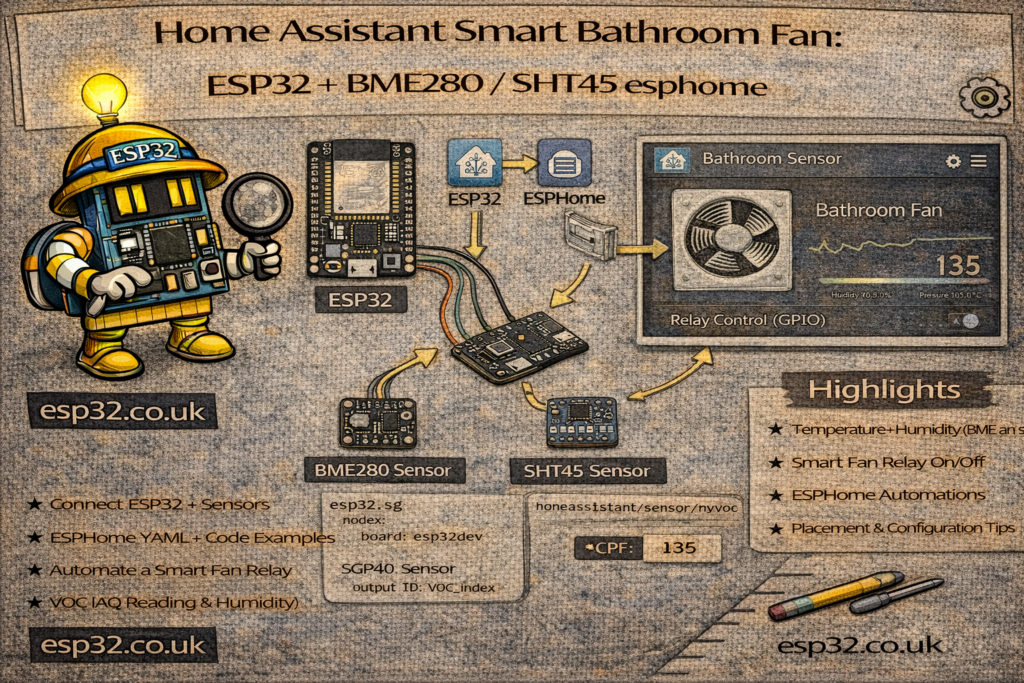
- A humidity sensor (for example
sensor.bathroom_humidityfrom an ESP32 + BME280 / SHT45) - A fan entity (
fan.bathroom_fanorswitch.bathroom_fan) - An optional manual override (
input_boolean.bathroom_fan_manual)
The logic is split into three parts:
- Auto ON when humidity rises quickly
- Manual override via switch or virtual button
- Auto OFF after humidity normalises and a cool-down timer expires
1. Prerequisites: Entities Used
Assumed entities:
sensor.bathroom_humidity     # Bathroom humidity (%)
fan.bathroom_fan             # The fan (or switch.bathroom_fan)

input_boolean.bathroom_fan_manual  # Manual override flag (optional)
If the fan is a switch, just replace fan.bathroom_fan with switch.bathroom_fan in the YAML.
The input_boolean.bathroom_fan_manual can be created in configuration.yaml or via the UI:
input_boolean:
  bathroom_fan_manual:
    name: Bathroom Fan Manual Mode
    icon: mdi:hand
This boolean can be toggled from a wall switch, dashboard or automation when someone presses a “Fan” button.
2. Auto ON – Humidity Rise Percentage
Goal: turn the fan on when:
- Humidity jumps by a few percentage points in a short time, and
- Current humidity is above a “normal” threshold (e.g. ≥ 65%)
This avoids the fan turning on every time humidity changes a little.
automation:
  - alias: "Bathroom Fan – Auto ON (Humidity Rise)"
    mode: single
    trigger:
      - platform: state
        entity_id: sensor.bathroom_humidity
    condition:
      - condition: template
        value_template: >
          {% set from = trigger.from_state.state | float(0) %}
          {% set to   = trigger.to_state.state   | float(0) %}
          {% set delta = to - from %}
          {{ to >= 65 and delta >= 5 }}
      # Optional: do not auto start if manual mode is ON
      - condition: state
        entity_id: input_boolean.bathroom_fan_manual
        state: "off"
    action:
      - service: fan.turn_on
        target:
          entity_id: fan.bathroom_fan
Explanation:
- Trigger fires on any change in humidity
- Template condition checks that:
- New value (
to) is at least 65 %, and - It increased by at least 5 percentage points since the previous reading
- New value (
Both thresholds can be tuned for each bathroom.
3. Manual Override – Always Respect the User
Two simple behaviours are common:
- If the user turns on the fan manually → keep it running, even if humidity is low
- If the user turns off the fan manually → don’t immediately re-start it because of humidity
A simple way to express manual intention is via an input_boolean.
3.1 Manual ON – Set override and start fan
automation:
  - alias: "Bathroom Fan – Manual ON"
    mode: single
    trigger:
      - platform: state
        entity_id: input_boolean.bathroom_fan_manual
        to: "on"
    action:
      - service: fan.turn_on
        target:
          entity_id: fan.bathroom_fan
3.2 Manual OFF – Clear override and stop fan
  - alias: "Bathroom Fan – Manual OFF"
    mode: single
    trigger:
      - platform: state
        entity_id: input_boolean.bathroom_fan_manual
        to: "off"
    action:
      - service: fan.turn_off
        target:
          entity_id: fan.bathroom_fan
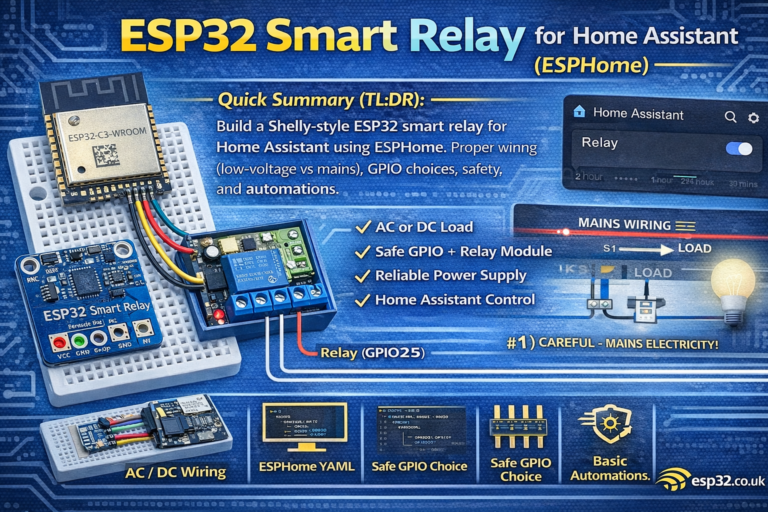
The boolean can be bound to a physical wall switch (e.g. ESP32 + relay + button) or a dashboard toggle.
4. Auto OFF – Cool-Down Timer After Shower
Goal: when humidity returns to normal levels, keep the fan running for a cool-down period (e.g. 10–20 minutes), then switch off.
Logic:
- Only auto-off when:
- Humidity is below a “safe” threshold (e.g. 60%)
- Manual mode is OFF
- Fan has been running for at least X minutes
automation:
  - alias: "Bathroom Fan – Auto OFF (Cool-down)"
    mode: restart
    trigger:
      - platform: numeric_state
        entity_id: sensor.bathroom_humidity
        below: 60
        for: "00:10:00"      # humidity has been low for 10 minutes
    condition:
      # Only auto-off if fan is currently ON
      - condition: state
        entity_id: fan.bathroom_fan
        state: "on"
      # Do not turn off if manual override is active
      - condition: state
        entity_id: input_boolean.bathroom_fan_manual
        state: "off"
    action:
      - service: fan.turn_off
        target:
          entity_id: fan.bathroom_fan
This creates a cool-down timer behaviour:
- After humidity drops below 60 %
- And stays there for 10 minutes
- Fan turns off automatically (unless manual override is on)
below: 60 and for: "00:10:00" are both tunable.
5. Optional: Dashboard Controls
A simple Lovelace card to control and monitor the automation:
type: entities
entities:
  - entity: fan.bathroom_fan
  - entity: sensor.bathroom_humidity
  - entity: input_boolean.bathroom_fan_manual
This shows humidity, the fan state, and allows toggling manual mode from the UI.
Summary
The Smart Bathroom Fan automation combines three ideas:
- Humidity rise detection → fan turns on when someone showers
- Manual override → user can always take control
- Cool-down timer → fan runs long enough to clear steam, then turns off
Together, they create a bathroom fan that feels intelligent instead of annoying, and they are easily adapted to any humidity sensor and fan hardware already integrated with Home Assistant.