
KNX is a standardized, wired building automation protocol. Unlike consumer smart home gadgets (which often rely on a central hub or WiFi), KNX is decentralized.
- The Bus: A green control cable (twisted pair) is installed alongside your standard 110V/230V wiring. This cable connects all sensors (switches, motion detectors, thermostats) and actuators (relays that control lights, blinds, and heating).
- Decentralized Intelligence: Every device has its own microprocessor. If one switch fails, the rest of the house continues to function perfectly.
- The “Telegram”: When you press a switch, it sends a data packet (a telegram) over the bus. An actuator “listens” for this specific telegram and executes the command (e.g., “Turn Light A On”).
Because it is an open standard used by over 500 manufacturers (like Siemens, ABB, MDT, Hager), KNX is considered highly future-proof. A switch installed 30 years ago can still communicate with a brand-new device installed today.
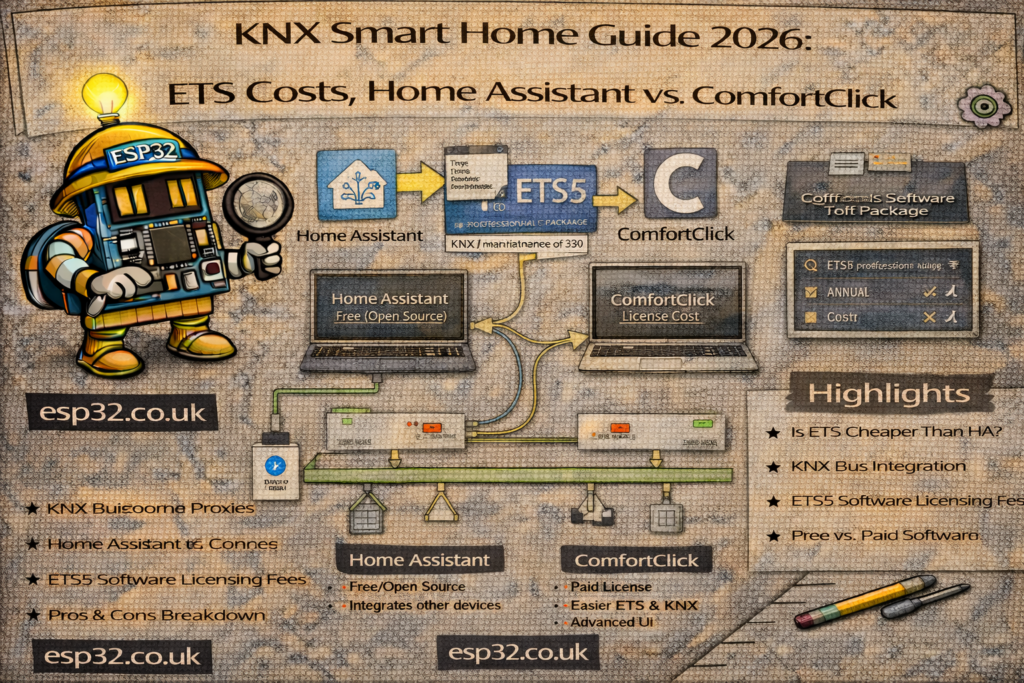
The Role of ETS (Engineering Tool Software)
You cannot set up a KNX system without ETS. It is the manufacturer-independent configuration tool used to program every device on the network.+1
Why You Need It
- Addressing: You must assign a unique “Individual Address” (e.g., 1.1.10) to every physical device.
- Logic: You create “Group Addresses” to link devices. For example, you link the “Top Button” of a wall switch to the “Channel A” of a relay actuator.
- Parameterization: You define specific behaviors, such as how fast blinds should move or at what brightness level lights should turn on.
Once the programming is done, the system works independently. You do not need ETS running for daily operation—only for making changes.
ETS6 Software Costs (2025/2026)
The software is a one-time license purchase from the KNX Association:
- ETS6 Lite (€200): Limited to 20 devices per project. Good for learning or tiny setups.
- ETS6 Home (€350): Limited to 64 devices. This is the standard choice for most single-family homes.+1
- ETS6 Professional (€1000): Unlimited devices. Required for large luxury homes or commercial buildings.
- Dongle (€80): Optional hardware key if you want to move the license between computers.
Integration Option 1: Home Assistant (The DIY Powerhouse)
Home Assistant (HA) is the most popular way to add a modern visualization (app) to KNX for cheap. It acts as a bridge between the industrial stability of KNX and consumer IoT (Sonos, Philips Hue, Voice Assistants).
How it Connects
You need a hardware KNX IP Interface or IP Router in your distribution board. This converts KNX telegrams into IP data that Home Assistant can read over your local network.
Estimated Costs
- Software: Free (Open Source).
- Hardware (Server): Raspberry Pi or Mini PC (~$150).
- Hardware (KNX IP Interface): ~$180–$250.
- Total Add-on Cost: ~$350–$400.
Pros & Cons
- + Endless Integration: Combine KNX with Zigbee, Matter, and thousands of other devices.
- + Cost: Very low entry price.
- – Maintenance: You are the administrator. Updates are frequent (monthly), and “breaking changes” can require you to fix your configuration.
- – Setup: Requires mapping KNX Group Addresses to Home Assistant entities, often using YAML configuration files.
Integration Option 2: ComfortClick (The Professional’s Choice)
ComfortClick is a dedicated Building Management System (BMS) server. Unlike Home Assistant, which is software you install yourself, ComfortClick usually comes as a dedicated hardware appliance (e.g., Jigsaw, Grinder).
How it Connects
The ComfortClick hardware (like the “Jigsaw” server) connects directly to the KNX bus via twisted pair. It replaces the need for a separate KNX IP Interface.
Estimated Costs
- Jigsaw KNX Server: ~$1,200 – $1,700 (Hardware + bOS License included).
- Total Add-on Cost: ~$1,200+.
Pros & Cons
- + Stability: Designed as a “set and forget” appliance. It is less likely to break after an update compared to Home Assistant.
- + Professional Support: You are paying for a commercial product with support, rather than relying on community forums.
- + All-in-One: It handles visualization, logic, and acts as the gateway/interface for the system.
- – Cost: Significantly higher upfront investment.
- – Flexibility: While powerful, it has fewer “fun” integrations than the massive Home Assistant ecosystem.
Summary Comparison
| Feature | Home Assistant | ComfortClick (Jigsaw) |
| Primary Role | DIY Smart Home Hub | Professional Building Server |
| Cost | Low (~$400 for hardware) | High (~$1,200+) |
| KNX Connection | Requires separate IP Interface | Direct connection (Built-in) |
| Future Proofing | High (Open Source, huge community) | High (Commercial product) |
| Updates | Frequent (Monthly), requires management | Periodic, stability-focused |
| Best For… | Tech-savvy users who want to tinker and integrate everything. | Users who want a reliable, “finished” system that just works. |
Recommendation:
If you want a rock-solid electrical system, KNX is the correct foundation.
For the visualization layer on top:
- Choose Home Assistant if you enjoy tech, want to save money, and don’t mind occasional maintenance.
- Choose ComfortClick if you want a professional, low-maintenance appliance and have the budget for it.