
We’ve monitored temperature and air quality. Now comes perimeter security.
BLE smart locks are the “final boss” of Bluetooth in a smart home because they need a secure, encrypted, two-way connection. Sensors can drop a packet and you won’t care. A lock dropping a command means you’re standing outside staring at “Operation failed.”
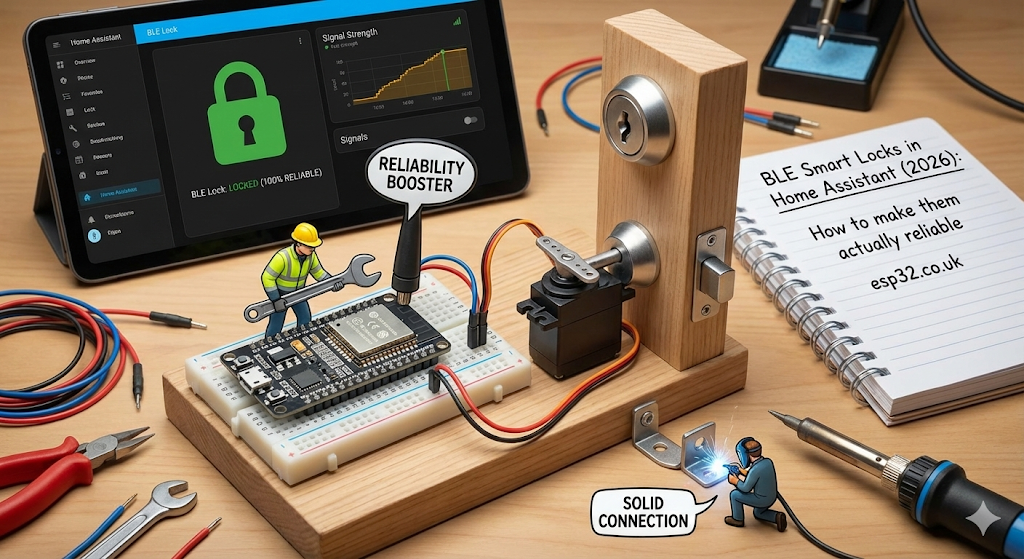
Phase 1: Understand the real problem (it’s not “BLE range”, it’s active connections)
To unlock over BLE, Home Assistant typically must:
- connect (handshake)
- authenticate / encrypted session
- send command (unlock)
- wait for motor feedback / state confirmation
- disconnect (or stay connected)
That requires an active GATT connection, which consumes one of the proxy’s connection slots.
ESPHome makes this very explicit:
connection_slotsdefaults to 3, max 9, and it’s recommended not to exceed 5 for stability/memory reasons.- These slots are for active connections. Passive broadcast data is separate and doesn’t consume slots.
So the real “active challenge” is: your lock must always have a free connection slot, with low latency, and strong reception.
Phase 2: Hardware rules for locks (the “high-performance proxy” concept)
Home Assistant’s own Yale BLE documentation flat-out says lock operation is highly sensitive to latency and recommends a high-performance Bluetooth adapter or ESPHome Bluetooth proxy for stable operation.
Practical rule
For a door lock, don’t rely on “whatever proxy happens to be nearest.”
Use either:
- a dedicated proxy near the door, or
- a high-performance proxy that isn’t also serving 20 other BLE devices.
Best proxy type (if you want “wired-like” behavior)
ESPHome notes Ethernet proxies generally handle more connection slots reliably because they aren’t sharing the radio with Wi-Fi traffic.
If you can’t do Ethernet, Wi-Fi proxies still work—just keep them close and don’t overload them.
Phase 3: The ESPHome “lock-tuned” proxy config (corrected)
Gemini’s YAML is close, but two important fixes:
- You must include
esp32_ble_tracker:(Bluetooth Proxy depends on it). cache_servicesis real and defaults to true already; it speeds up active connections by caching GATT services.
Recommended “Front Door Proxy” (Wi-Fi)
substitutions:
  name: "front-door-proxy"
  friendly_name: "Front Door BLE Proxy"

esphome:
  name: ${name}
  friendly_name: ${friendly_name}

esp32:
  board: esp32-c3-devkitm-1   # or esp32dev / esp32-s3-devkitc-1 etc.
  framework:
    type: esp-idf             # recommended for memory/stability

logger:
api:
ota:
  - platform: esphome

wifi:
  ssid: "YOUR_WIFI"
  password: "YOUR_PASSWORD"
  ap:
    ssid: "BLE-Proxy-Fallback"
    password: "change_me"

captive_portal:

esp32_ble_tracker:

bluetooth_proxy:
  active: true
  connection_slots: 5         # default is 3; don’t exceed 5 unless you really must
  cache_services: true         # default true; keep it for locks
About “Active Scanning”
ESPHome’s guidance:
- Default scan parameters are recommended; changing interval/window usually doesn’t help and can destabilize things.
- Active scanning is typically only needed for some devices (often during onboarding) and can increase battery drain for battery BLE devices.
So: keep scanning defaults unless your specific lock/integration requires otherwise.
Phase 4: Lock ecosystem choices (what’s actually supported cleanly)
Option A: SwitchBot locks (local BLE)
Home Assistant’s SwitchBot integration explicitly lists Lock / Lock Pro / Lock Ultra as encrypted devices and supports lock/unlock, battery, and other states.
It also states the integration connects locally and does not go via SwitchBot Cloud, using a “local push” strategy for updates.
Practical setup
- Calibrate in the SwitchBot app first (common for most smart locks).
- In Home Assistant, add the SwitchBot integration and pair via Bluetooth.
Option B: Yale / August via “Yale Access Bluetooth”
The Yale Access BLE integration is very explicit:
- It discovers devices once Bluetooth works.
- It requires an offline key and slot number to operate the lock.
- Home Assistant can often provision that offline key automatically using the Yale/August cloud integration if your account has the key loaded.
- For responsiveness, it offers an always connected mode (uses more battery).
Big reliability note: the Yale Access BLE docs warn that lock operation is highly sensitive to latency and recommend high-performance adapters/proxies.
Phase 5: Speed & reliability tuning that actually helps
1) Keep cache_services enabled
It speeds up active connections by caching GATT services; it’s enabled by default.
2) Prevent “stuck slots” with connection_timeout
ESPHome notes that if the client times out but ESP-IDF keeps trying, a slot can remain occupied; connection_timeout helps free slots promptly.
If you’re seeing proxies “run out of slots” after failures, this is worth using (advanced, but real).
3) Pre-connect / “wake” the lock (advanced)
The Yale Access BLE docs explicitly mention using homeassistant.update_entity to force an update, and provide an always-connected option for responsiveness.
A practical pattern:
- Porch motion triggers a “warm up” update so your unlock feels instant.
alias: "Lock: Warm up on porch motion"
trigger:
  - platform: state
    entity_id: binary_sensor.porch_motion
    to: "on"
action:
  - service: homeassistant.update_entity
    target:
      entity_id: lock.front_door
mode: restart
This won’t magically fix bad RF—but it can shave off that “sleep wake-up” delay.
Phase 6: Essential automations (safe patterns)
1) The “real” auto-lock (only if the door is closed)
alias: "Security: Safe Auto-Lock"
trigger:
  - platform: state
    entity_id: binary_sensor.front_door_contact
    to: "off"          # Door closed
    for: "00:05:00"
condition:
  - condition: state
    entity_id: lock.front_door
    state: "unlocked"
action:
  - service: lock.lock
    target:
      entity_id: lock.front_door
mode: single
2) Jam / failed lock alert (if your lock exposes it)
Not every lock reports jammed, but many do. If yours does:
alias: "Alert: Front Door Lock Jammed"
trigger:
  - platform: state
    entity_id: lock.front_door
    to: "jammed"
action:
  - service: notify.mobile_app_phones
    data:
      title: "⚠️ Door lock problem"
      message: "Front door failed to lock (jammed). Check alignment/obstruction."
mode: single
3) Conservative “smart unlock” (avoid the obvious security foot-gun)
Don’t do “unlock when phone is nearby” as a single condition. Instead:
- arrival opens a short “unlock window”
- a deliberate action (NFC/button/keypad) unlocks during that window
(If you want this section expanded into a full template with helpers and cooldowns, say so.)
Summary checklist (the 2026 “don’t suffer” list)
- Proxy close to the lock + low-latency path (dedicated proxy is ideal).
- ESPHome proxy uses
esp-idf,connection_slots: 5, and keepscache_servicesenabled. - Don’t mess with scan interval/window unless debugging; defaults are recommended.
- For Yale/August: ensure the offline key is provisioned (often via cloud integration first).
- Auto-lock must depend on a door contact sensor (otherwise it’s dumb and annoying).