
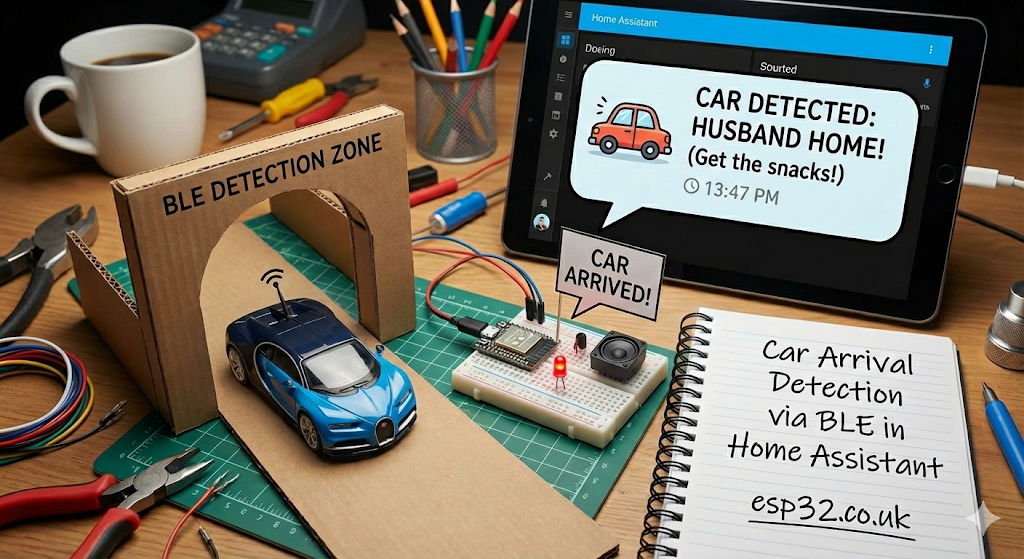
“Car arrival detection” is one of the most useful automations you can build because it’s faster and more reliable than GPS when done properly. The idea is simple:
- Put a BLE beacon in the car (or use a car BLE adapter / key tag)
- Place an ESP32 Bluetooth Proxy near the driveway/entrance
- When the proxy starts seeing the beacon strongly → the car is home
- Trigger automations: open gate, switch on driveway lights, disarm alarm, etc.
This article shows a reliable setup using BLE + smart timeouts so it doesn’t false-trigger when you walk near the front door.
1. Choose Your BLE “Car Tag”
Best option: dedicated BLE beacon
A small iBeacon/Eddystone tag powered by a coin cell is ideal because it advertises consistently.
Pros
- Predictable
- Battery lasts months to years depending on interval
- Works even if your phone is off
Cons
- You must remember to leave it in the car
OK option: phone in the car
Not recommended for this specific use case because phones throttle BLE adverts and may not be consistent when the screen is off.
Practical tip
Place the beacon:
- in the glovebox
- under the dashboard (not wrapped in metal)
- in the center console
Avoid placing it inside a metal tin/box or behind thick metal shielding.
2. ESP32 Bluetooth Proxy Placement (Make it Accurate)
For car arrival you want the “arrival zone” to be very localized.
Place a dedicated proxy:
- near the garage door
- behind a front window facing the driveway
- near the gate motor enclosure (if it has Wi-Fi)
- in the hallway closest to the driveway wall
Important: you want strong RSSI only when the car is actually nearby, not when you’re inside the living room.
If you get false triggers from inside the house:
- move the proxy closer to the driveway wall/window
- reduce BLE sensitivity by using a stronger RSSI threshold (next section)
3. Create a Reliable “Car Present” Sensor (RSSI + Time)
You want a binary sensor:
binary_sensor.car_present_ble
The best logic is:
- ON if RSSI is stronger than a threshold for ~15–30 seconds
- OFF only if not seen for a few minutes (prevents flapping)
3.1 If you have a single driveway proxy RSSI sensor
Assume you have:
sensor.car_beacon_rssi_driveway
Create a binary sensor:
template:
  - binary_sensor:
      - name: "Car Present (BLE)"
        unique_id: car_present_ble
        state: >
          {{ states('sensor.car_beacon_rssi_driveway') | float(-999) > -75 }}
        delay_on: "00:00:20"
        delay_off: "00:03:00"
        device_class: presence
Threshold tuning
- Start with
-75 dBm - If it triggers too easily (car not actually in driveway) → use
-70or-65 - If it misses arrivals → use
-80
3.2 If you only have “seen/not seen” (no RSSI)
You can still do it, but it’s less precise:
- ON when seen
- OFF if not seen for 5 minutes
This tends to false-trigger if the beacon is heard through walls.
RSSI-based is much better for car arrival.
4. Arrival vs “I’m Walking Near the Proxy” (Avoid False Gate Opens)
This is the biggest trap.
If you carry a beacon on your keys and your driveway proxy hears it, you don’t want the gate to open when you walk near the front door.
Solutions:
A) Use a car-only beacon
Don’t reuse your personal beacon. Use a dedicated beacon that lives permanently in the car.
B) Add speed/sequence logic (recommended)
Car arrival looks like:
- RSSI goes from weak → strong quickly
- Then stays strong
Walking inside the house is usually:
- weaker and more inconsistent
- often doesn’t cross a strong threshold
The delay_on + tighter threshold handles most of this.
C) Add “gate can open only if you’re away”
Only auto-open when:
- house is in away mode
- OR alarm is armed away
- OR nobody is home
That prevents accidental opening when you’re already home.
5. Home Assistant Automation: Driveway Lights + Gate
5.1 Turn on driveway lights when car arrives
automation:
  - alias: "Car Arrival - Driveway Lights"
    trigger:
      - platform: state
        entity_id: binary_sensor.car_present_ble
        to: "on"
    action:
      - service: light.turn_on
        target:
          entity_id: light.driveway
      - delay: "00:10:00"
      - service: light.turn_off
        target:
          entity_id: light.driveway
5.2 Open gate when car arrives (with safety conditions)
Only open if:
- it’s closed
- and you’re not already home (or alarm is armed away)
automation:
  - alias: "Car Arrival - Open Gate"
    trigger:
      - platform: state
        entity_id: binary_sensor.car_present_ble
        to: "on"
    condition:
      - condition: state
        entity_id: cover.gate
        state: "closed"
      - condition: state
        entity_id: binary_sensor.presence_home_final
        state: "off"
    action:
      - service: cover.open_cover
        target:
          entity_id: cover.gate
Replace binary_sensor.presence_home_final with your actual home/away sensor (from your BLE+Wi-Fi setup).
6. Departure Detection (Optional)
You can also detect when the car leaves:
- car_present_ble turns OFF after 3 minutes
- trigger “away mode”, or close gate after delay (careful)
Example: turn off driveway lights when car leaves:
automation:
  - alias: "Car Departure - Lights Off"
    trigger:
      - platform: state
        entity_id: binary_sensor.car_present_ble
        to: "off"
    action:
      - service: light.turn_off
        target:
          entity_id: light.driveway
7. Tuning Checklist (fast)
If it triggers too early:
- Increase RSSI threshold (e.g. -75 → -70)
- Move proxy closer to driveway-facing wall/window
- Add
delay_onto 30 seconds
If it misses arrivals:
- Lower threshold (-75 → -80)
- Add a second proxy nearer to driveway
- Ensure beacon isn’t shielded by metal
If it flaps on/off:
- Increase
delay_offto 5–8 minutes
8. Best-Practice Setup Summary
The “this just works” configuration is:
- Dedicated beacon permanently in the car
- One ESP32 proxy near driveway window/entrance
- RSSI threshold around -70 to -80
delay_on: 20s,delay_off: 3–5m- Gate automation guarded by home/away condition
That combination is fast, local, and doesn’t depend on GPS or cloud services.