
This is the “works in real life” pattern:
- BLE seen → HOME immediately (fast, local)
- BLE not seen → don’t instantly go AWAY
use Wi-Fi presence as fallback + a timeout to avoid flapping
You end up with one “source of truth” entity you can use everywhere:binary_sensor.presence_home_final
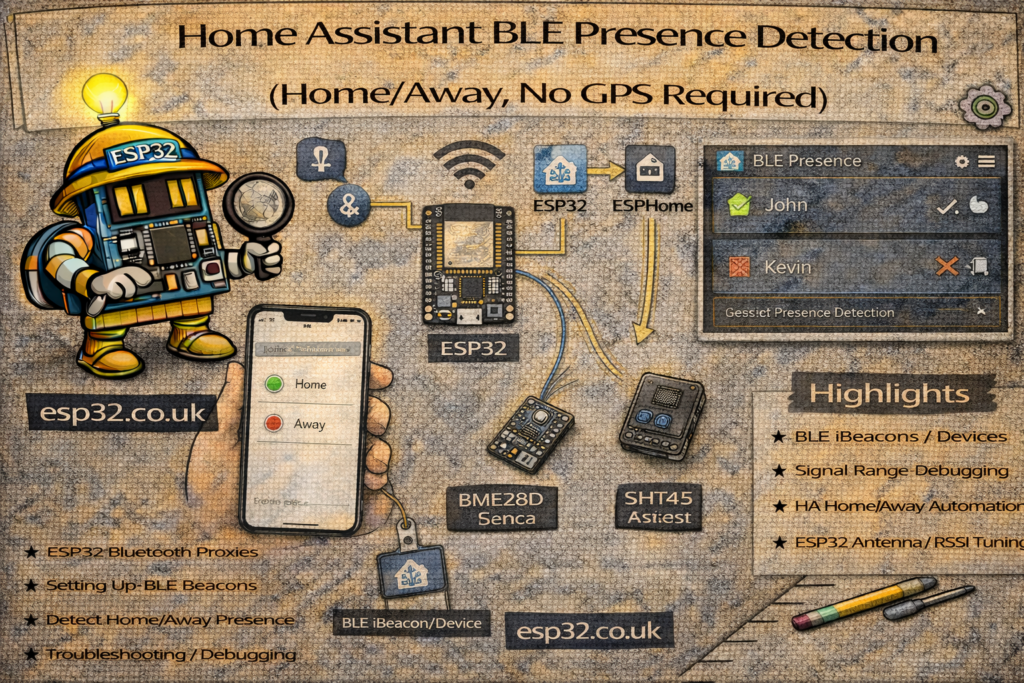
1) Inputs you need
A) BLE present (fast)
This should be ON if any ESP32 Bluetooth Proxy sees your beacon/phone.
Create/identify a binary sensor like:
binary_sensor.me_ble_present
How you build it depends on what you track:
- Best: dedicated BLE beacon tag (consistent advertising)
- OK: phone BLE (can sleep / throttle ads)
If you already have per-room RSSI sensors, you can build BLE present like:
template:
  - binary_sensor:
      - name: "Me BLE Present"
        unique_id: me_ble_present
        state: >
          {% set lr = states('sensor.me_ble_rssi_livingroom')|float(-999) %}
          {% set kt = states('sensor.me_ble_rssi_kitchen')|float(-999) %}
          {% set br = states('sensor.me_ble_rssi_bedroom')|float(-999) %}
          {{ max(lr, kt, br) > -85 }}
Tune -85 (try -80 to be stricter, -90 to be looser).
B) Wi-Fi present (fallback)
This should be ON if your phone is connected to your network.
Common sources:
- Router integration device tracker
- Ping sensor to phone IP (best if you set static IP / DHCP reservation)
- Unifi/Fritz/Asus trackers, etc.
Convert whatever you have into:
binary_sensor.me_wifi_present
Example if you already have device_tracker.my_phone showing home/not_home:
template:
  - binary_sensor:
      - name: "Me WiFi Present"
        unique_id: me_wifi_present
        state: "{{ is_state('device_tracker.my_phone', 'home') }}"
2) The reliable logic (BLE wins, Wi-Fi delays “away”)
We’ll create a latch that turns ON instantly when BLE is seen, and only turns OFF when:
- BLE has been gone for X minutes and
- Wi-Fi is also gone
2.1 Create a helper (UI or YAML)
UI method (recommended):
Settings → Devices & services → Helpers → Toggle
Name it: Me Home Latched
Entity will be:
input_boolean.me_home_latched
YAML method:
input_boolean:
  me_home_latched:
    name: Me Home Latched
3) Automations
3.1 Latch HOME immediately on BLE
automation:
  - alias: "Presence: Latch HOME on BLE"
    mode: single
    trigger:
      - platform: state
        entity_id: binary_sensor.me_ble_present
        to: "on"
    action:
      - service: input_boolean.turn_on
        target:
          entity_id: input_boolean.me_home_latched
3.2 Release latch only if BLE is gone and Wi-Fi is gone (with timeout)
Start with 10 minutes. If your phone/beacon drops occasionally, use 15–20.
  - alias: "Presence: Release HOME (BLE gone + WiFi gone)"
    mode: single
    trigger:
      - platform: state
        entity_id: binary_sensor.me_ble_present
        to: "off"
        for: "00:10:00"
    condition:
      - condition: state
        entity_id: binary_sensor.me_wifi_present
        state: "off"
    action:
      - service: input_boolean.turn_off
        target:
          entity_id: input_boolean.me_home_latched
That’s the whole trick: fast home, slow away.
4) Final “source of truth” sensor
template:
  - binary_sensor:
      - name: "Presence Home Final"
        unique_id: presence_home_final
        state: "{{ is_state('input_boolean.me_home_latched', 'on') }}"
        device_class: presence
Use only this for automations.
5) Example automations using the final sensor
Away actions (after you’re truly away)
automation:
  - alias: "Away Mode"
    trigger:
      - platform: state
        entity_id: binary_sensor.presence_home_final
        to: "off"
        for: "00:02:00"
    action:
      - service: light.turn_off
        target:
          entity_id: all
Arrive home actions
automation:
  - alias: "Arrive Home"
    trigger:
      - platform: state
        entity_id: binary_sensor.presence_home_final
        to: "on"
    action:
      - service: light.turn_on
        target:
          entity_id: light.entryway
6) Tuning (what to change when it misbehaves)
Problem: It goes away while you’re still home
- Increase the “BLE gone for” time: 10 → 15 or 20 minutes
- Make Wi-Fi detection more reliable (static IP + router tracker / ping)
Problem: It never goes away
- Your Wi-Fi tracker stays “home” too long (router integrations sometimes lag)
- Fix: use ping/static IP, or shorten router “consider home” setting (if available)
Problem: BLE present is unreliable
- Phone BLE throttling is common
- Fix: use a dedicated BLE beacon tag, or place one more proxy near entrance/hallway
7) Best-practice layout
- BLE gives you instant “home” the moment you walk in range.
- Wi-Fi is your “don’t panic” fallback so short BLE dropouts don’t trigger away mode.
- Keep the entire house logic bound to one entity:
binary_sensor.presence_home_final.