Combining a PIR motion sensorAliExpress price with an LDR light sensorAliExpress price is one of the most flexible ways to create intelligent room automation.
With this setup, lights can automatically turn on only when the room is dark and motion is detected — eliminating unnecessary lighting during daylight.
This guide explains how to connect a PIR sensorAliExpress price + LDR to an ESP32 and integrate them into Home Assistant using both ESPHome and MQTT.
1. Hardware Required
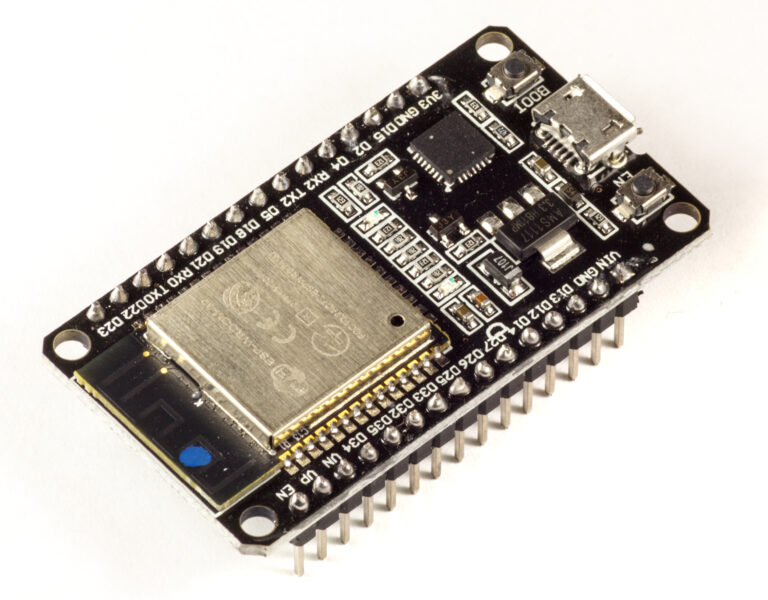
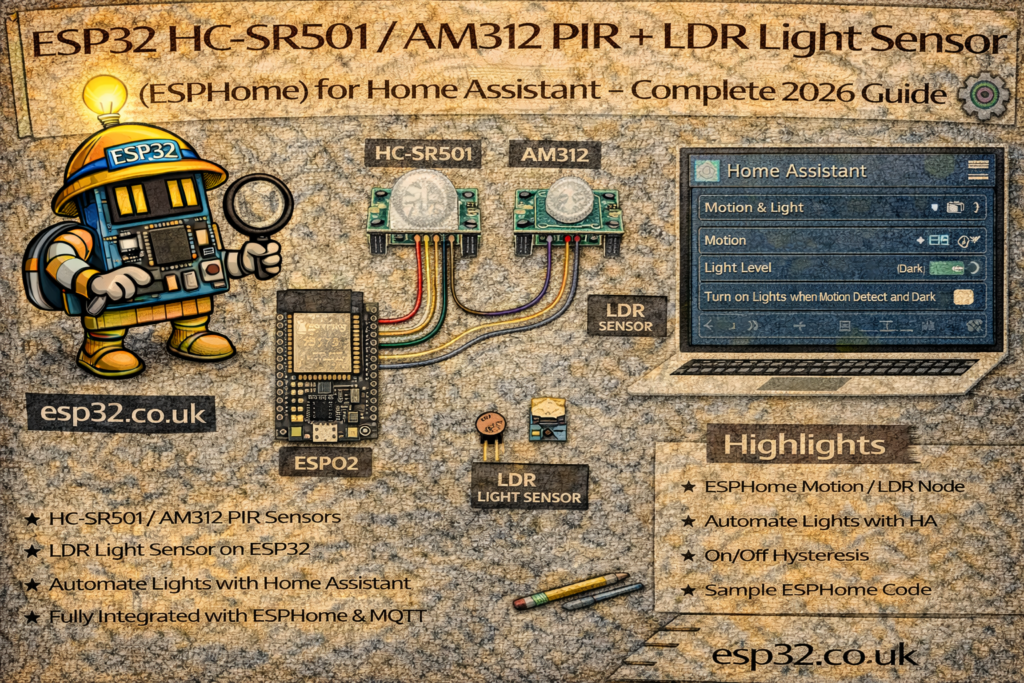
- ESP32 DevKit
- PIR motion sensorAliExpress price (HC-SR501 or AM312)
- LDR (photoresistor)
- 10k resistor (for voltage divider)
- Jumper wires
- USB cable
2. How the Combo Works
PIR Sensor
- Detects motion using infrared
- Digital output: HIGH when motion is detected
LDR Sensor
- Detects light levels
- Analog output: voltage varies based on brightness
- Combined with a resistor to form a voltage divider
Combined Logic
- Turn on lights only when:
- Motion detected
- Light level below threshold (e.g., < 40%)
3. Wiring Diagram
PIR Motion Sensor
ESP32 → PIR
3.3V → VCC
GND  → GND
GPIO27 → OUT
LDR + 10k Resistor Voltage Divider
3.3V → LDR → Analog Pin (GPIO34) → 10k Resistor → GND
Notes:
- GPIO34 is analog input only (perfect for LDR)
- PIR VCC works from 3.3–5V
- AM312 PIR recommended for stable performance
METHOD 1 — ESPHome Integration
ESPHome can read both sensors natively.
4. ESPHome YAML for PIR + LDR Combo
esphome:
  name: esp32-motion-light
  platform: ESP32
  board: esp32dev

wifi:
  ssid: "YOUR_WIFI"
  password: "YOUR_PASSWORD"

logger:
api:
ota:

# PIR Motion SensorAliExpress price
binary_sensor:
  - platform: gpio
    name: "Room Motion"
    pin:
      number: 27
      mode:
        input: true
        pullup: true
    device_class: motion
    filters:
      - delayed_off: 2s

# LDR Light Sensor (Analog)
sensor:
  - platform: adc
    pin: 34
    name: "Room Light Level"
    update_interval: 2s
    attenuation: 11db
    filters:
      - multiply: 100
Notes:
- ADC attenuation increases sensitivity
- Multiplying by 100 gives a more readable 0–4095 range
- Smooth transitions can be added with
median:ormoving_average:
Home Assistant automatically discovers both sensors.
METHOD 2 — MQTT Integration (Matches Standard Format)
5. Home Assistant configuration.yaml – PIR + LDR via MQTT
Add under existing blocks:
PIR Sensor
mqtt:
  binary_sensor:
    - name: "Room Motion"
      state_topic: "home/room/pir"
      payload_on: "1"
      payload_off: "0"
      device_class: motion
LDR Sensor
mqtt:
  sensor:
    - name: "Room Light Level"
      state_topic: "home/room/light"
      unit_of_measurement: "%"
      value_template: "{{ value_json.light }}"
The ESP32 must publish:
{ "light": 35 }
6. ESP32 Arduino MQTT Code (PIR + LDR)
#include <WiFi.h>
#include <PubSubClient.h>

#define PIR_PIN 27
#define LDR_PIN 34

#define WIFI_SSID "YOUR_WIFI"
#define WIFI_PASS "YOUR_PASSWORD"
#define MQTT_SERVER "192.168.0.10"

WiFiClient espClient;
PubSubClient client(espClient);

void setup() {
  Serial.begin(115200);

  pinMode(PIR_PIN, INPUT_PULLUP);
  WiFi.begin(WIFI_SSID, WIFI_PASS);
  while (WiFi.status() != WL_CONNECTED) delay(500);

  client.setServer(MQTT_SERVER, 1883);
}

void loop() {
  if (!client.connected()) {
    while (!client.connected()) client.connect("ESP32_PIR_LDR");
  }

  int pir = digitalRead(PIR_PIN);
  client.publish("home/room/pir", pir ? "1" : "0");

  int raw = analogRead(LDR_PIN);
  int lightPercent = map(raw, 0, 4095, 0, 100);

  String json = "{\"light\":" + String(lightPercent) + "}";
  client.publish("home/room/light", json.c_str());

  client.loop();
  delay(300);
}
The LDR is scaled to 0–100% for easy automation.
7. Home Assistant Dashboard Example
type: entities
entities:
  - binary_sensor.room_motion
  - sensor.room_light_level
Turn on lights only when motion detected AND room is dark
automation:
  - alias: "Auto Light Motion + Darkness"
    trigger:
      - platform: state
        entity_id: binary_sensor.room_motion
        to: "on"
    condition:
      - condition: numeric_state
        entity_id: sensor.room_light_level
        below: 40
    action:
      - service: light.turn_on
        target:
          entity_id: light.room_light
Turn off lights if no motion for 3 minutes
  - alias: "Auto Light Off No Motion"
    trigger:
      - platform: state
        entity_id: binary_sensor.room_motion
        to: "off"
        for: "00:03:00"
    action:
      - service: light.turn_off
        target:
          entity_id: light.room_light
Notify when a room lights up unexpectedly (security)
  - alias: "Unexpected Motion Alert"
    trigger:
      - platform: state
        entity_id: binary_sensor.room_motion
        to: "on"
    condition:
      - condition: sun
        after: sunset
    action:
      - service: notify.mobile_app
        data:
          message: "Motion detected in the room after dark!"
9. Troubleshooting
Motion triggers randomly
- PIR needs 20–30 seconds warm-up
- Avoid heat sources (TV, radiator)
- Use AM312 PIR for better stability
LDR flickers
- Add ESPHome filter:
filters:
  - median:
      window_size: 7
      send_every: 3
Light level reading inverted
Swap the map function:
int lightPercent = map(raw, 0, 4095, 100, 0);
Motion always reads ON/OFF
Add pull-up:
pullup: true
Keywords
esp32 pir ldr
esp32 light sensor
home assistant motion light automation
mqtt ldr sensor esp32
esphome pir light combo
esp32 brightness sensor
esp32 auto lights tutorial
pir ldr wiring esp32